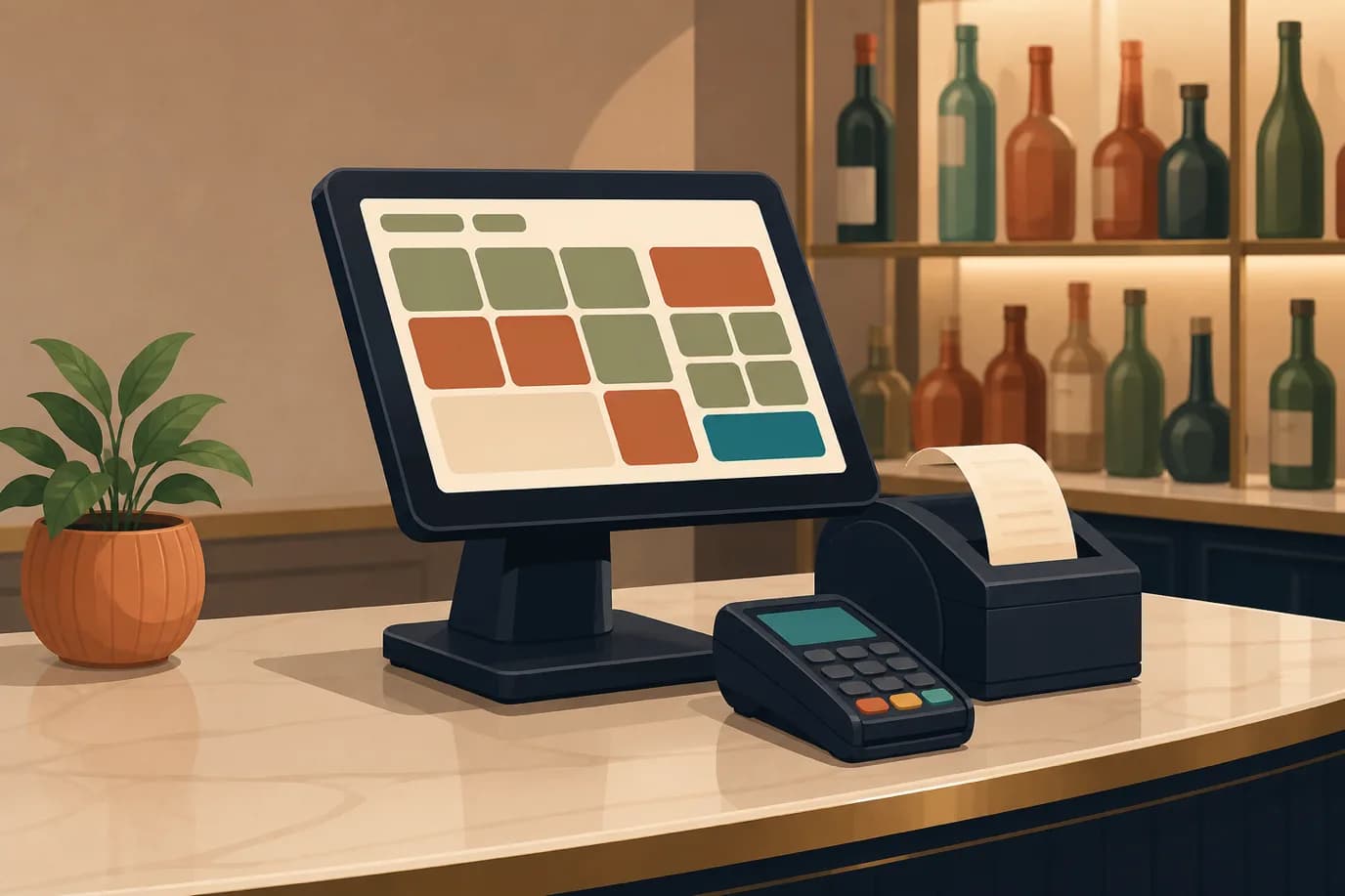
EPOS stands for electronic point of sale, and that is genuinely all the acronym means. The point of sale is the place and the moment a sale is completed: the bar counter, the restaurant table, the spa desk, the gift shop till. The E was added decades ago to mark the shift from mechanical registers that added up money to electronic ones that kept a record of what was sold. Today the phrase describes the whole apparatus rather than the counter, which is why a point of sale system is discussed as software rather than furniture.
The reason the term causes confusion is that the thing it describes changed shape without changing name. An EPOS used to be a box on a counter. It is now a piece of software that happens to have a screen near the customer, and in a hotel it is increasingly a panel inside another system entirely. What matters is no longer where the terminal sits but what happens to the charge after it is rung up, and specifically whether it reaches the guest's bill in the property management system without anyone typing it a second time.
This article covers what an EPOS system is, the parts it is made of, and what separates one from an electronic till. Then it turns to the part that only applies to hotels: why hospitality asks things of an EPOS that retail never does, how a charge gets from a poolside order to a folio, and where the software should live when your selling is spread across a restaurant, a spa, a dive shop and a front desk. If you already know the definition and want a comparison of products, the hospitality EPOS systems roundup is the better starting point.
What an EPOS System Actually Is
An EPOS system does four things. It knows what you sell and what each item costs, including tax and any modifier that changes the price. It records a sale as it happens, with a timestamp, an operator and a location. It takes the money, or defers it by putting the amount on an account. And it leaves behind a record complete enough that somebody can reconstruct the day afterwards without being there.
That last one is the part that gets overlooked and the part that actually earns the licence fee. Taking money is easy; a shoebox does it. Knowing at the end of a Saturday that the pool bar sold 84 covers, that eleven of them were charged to rooms, that two were voided by a supervisor and why, and that the gin ran down faster than the sales suggest, is the reason the system exists.
A useful way to think about it is that an EPOS is a ledger with a keypad attached. The keypad is what staff notice and what vendors demo. The ledger is what you live with.
Why It Is EPOS in Some Countries and POS in Others
There is no technical difference. EPOS is the ordinary term in the United Kingdom and Ireland and turns up across much of the Commonwealth; POS is standard in North America and in most international product documentation. Plenty of vendors selling into both markets use the two words on the same website, sometimes in the same paragraph.
Occasionally a supplier will present EPOS as a more advanced category, the implication being that a POS merely takes payments while an EPOS manages a business. Ignore this. It is a marketing distinction rather than an engineering one, and the moment you compare two products feature by feature it evaporates. What varies between systems is whether they handle open tabs, whether they post to a room, whether they work when the internet does not, and what they cost. None of that correlates with which acronym is on the brochure.
One practical consequence is worth knowing if you are researching. Searching for one term shows you a different set of vendors than the other, because suppliers optimise for their home market. If you are shortlisting, search both.
The Parts of an EPOS System
Every EPOS setup is a combination of software, hardware, a payment arrangement and a set of connections to other systems. They are usually sold together and they fail separately, which is a good reason to understand them separately.
The Software, Which Is the Part That Decides Everything
The software holds the item catalogue, the prices, the tax rules, the modifiers, the discounts, the user permissions and the reporting. It decides how many taps a common sale takes, which is the thing your staff will judge it on within an hour of go-live and which no procurement checklist ever measures.
Item structure is where products differ most and where demos are least revealing. A well-built catalogue lets you express a burger with a choice of side, a bottle of wine sold by glass and by bottle from the same stock, a dive course that is really six things bundled together, and a treatment that includes a product the guest takes home. A weak one makes you create separate items for every combination, and six months later nobody can tell you what a gin and tonic actually sold, because it exists eleven times under slightly different names.
Permissions matter more than they look. Somebody has to be able to take money, somebody has to be able to cancel a line, and those should not automatically be the same person. Systems that treat voiding as an ordinary till function rather than a supervisor action tend to produce end-of-month conversations nobody enjoys.
The Hardware, Which Is Mostly Commodity
The hardware is more interchangeable than vendors like to admit. A terminal is a screen and a computer, whether that is a fixed unit, a Windows PC, an Android tablet or an iPad. Around it sit a receipt printer, a cash drawer that the printer usually opens, a card reader, and in some venues a barcode scanner or a kitchen display.
Two questions are worth asking before you buy any of it. Is the software tied to hardware you can only buy from the vendor, and what is the replacement cost when a printer dies in December? Proprietary hardware is not automatically bad, but it converts a fifty-euro failure into a support ticket and a wait. Tableview, the point of sale built into Prostay, runs natively on Windows PCs, Android tablets and iPads and works with the common brands of receipt printer, cash drawer, barcode scanner and payment terminal, which is the arrangement that keeps a broken printer a trip to a local supplier rather than an outage.
The second question is what the counter actually needs. Plenty of hotel outlets are over-specified: a poolside bar serving forty drinks a day does not need a fixed terminal with a customer-facing display, and a tablet on a stand will outlive it. Handhelds are a separate decision again, covered in more detail in the piece on tableside ordering and handheld POS.
What Happens in the Two Seconds After You Take the Money
It is worth walking through a single sale, because the interesting parts are invisible and they are what you are really buying.
A guest orders two coffees and a pastry at the lobby cafe. Staff tap three tiles. The system prices each line, applies the correct tax rate for that item and that outlet, and shows a total. So far this is arithmetic and any till does it.
Then the guest says to put it on room 214. The system now has to answer a question a till cannot: is there a reservation in room 214, is that guest currently in house, and are they allowed to charge? It looks that up, posts the three lines to the folio, and returns a confirmation. If instead the guest pays by card, the system has to send an amount to a payment device, wait for an answer it does not control, and record both the sale and the payment together. If it records the sale but the payment call fails, you have an unpaid charge on the books; if it records the payment but not the sale, your cash drawer will not balance.
Underneath, the sale decrements stock, is attributed to the operator and the terminal, lands in the day's revenue for that outlet, and becomes a line in the night audit. None of that is visible to the person who tapped three tiles, and all of it is what separates a system from a calculator with a drawer.
An EPOS System Is Not a Till With a Screen
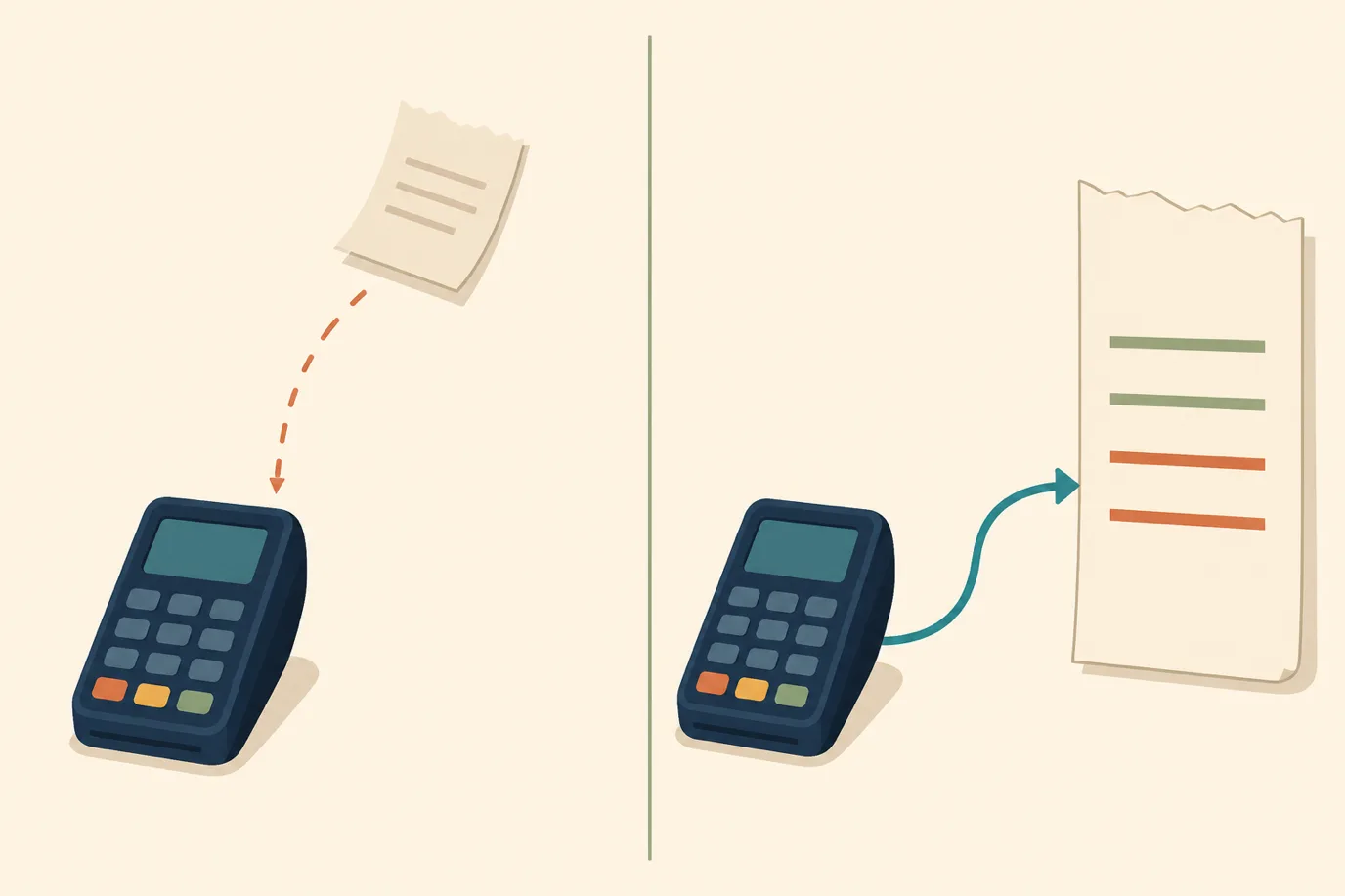
The distinction that matters is the record. A cash register totals a transaction and prints it. An EPOS system stores it in a form that can be queried later, which means the questions you can ask afterwards are unlimited rather than fixed.
Four capabilities follow from that, and none of them exist in a till. Stock moves as things sell, so you can compare what the system says you sold against what is physically left and see the gap. Sales are attributed, so a pattern of voids belonging to one operator on one shift is visible rather than invisible. Prices and menus change centrally, so a price rise happens once instead of on nine terminals. And the data leaves, into accounting or a report or a dashboard, without anyone copying figures off a printed Z-read.
This is also where the honest limitation sits. An EPOS system tells you what was rung up. It does not tell you what was poured, carried out of the kitchen or given away, and the difference between those two numbers is the oldest problem in hospitality. A good system narrows the gap by making the correct action the fastest one. No system closes it.
Where Hospitality Breaks a Retail EPOS
A shop EPOS assumes a transaction is short, complete and settled in one go. Somebody brings items to a counter, pays, and leaves. Almost none of that holds in a hotel, which is why retail systems installed in restaurants tend to be abandoned within a year.
The transaction is open, often for hours. A table orders drinks, then starters, then more drinks, then dessert, and the bill exists as a running total that has to survive a shift change. The system needs a concept of an open tab attached to a table rather than a queue of completed sales.
The bill splits, and it splits in ways that are annoying rather than neat. Four people who want to pay a quarter each is the easy case. The real one is three friends where one is a resident charging their share to a room, one pays cash, and one pays by card, on a bill where two items need moving to a different table because they were rung up in the wrong place. Systems that can only split evenly get worked around, and the workaround is always the same: staff ring up separate sales and the table's actual total is lost.
Items carry modifiers and the modifiers change the price and the kitchen. Well done, no onions, oat milk, extra shot. Some of those affect what is charged, all of them affect what is made, and a system that cannot express them produces handwritten notes on dockets.
Then there is the ordering problem that has nothing to do with money. Starters go now, mains go when the table has finished, and the kitchen needs to know which. Course firing is not a payments feature and no retail system has it. Tableview handles the floor side of this directly, letting you lay out tables and sections per outlet, assign servers, and track open tabs while a service is running, which is the part a shop till has no vocabulary for.
Finally, and most importantly, there is a payment method that does not exist anywhere else: the guest does not pay at all.
Charge to Room, the Line That Defines a Hotel EPOS
Charging to a room looks like a payment method sitting alongside cash and card. It is not one. It is the deferral of payment onto a bill somewhere else, which means the EPOS has to hand the charge to another system and trust that it lands.
Everything that goes wrong in hotel food and beverage billing lives in that handoff. The docket says room 214 and the guest in 214 checked out at ten. Somebody types 241 instead. The charge is written down on a pad because the connection was down and is posted the next morning, by which time the guest has left. The bar's takings say one number and the folio says another, and the difference is found four days later by an accountant with no way to tell which is right.
An integrated system removes the handoff. The EPOS asks the PMS who is in room 214, gets an answer, and posts the charge as a folio line immediately. There is no docket to carry, no second entry, and no window during which the charge exists in one system and not the other. Tableview posts to the folio in one click for exactly this reason, and the mechanics of how that connection behaves, including the errors that hide in a daily sales report, are covered at length in the guide to POS-to-PMS integration.
There is a second, quieter benefit. Because the charge lands as its own line rather than a lump, the guest's final bill reads as a list of things they recognise. Disputes at checkout are usually not about money. They are about a guest looking at a total they cannot account for, and an itemised folio ends most of them before they start.
Where the EPOS Should Actually Live
This is the question hotels get wrong most often, usually by answering it once for the whole property. Selling happens in very different ways in different corners of a hotel, and the right software shape is different too.
The Outlet Terminal, for Places That Sell All Day
A restaurant, a busy bar, a beach club: anywhere with a service, a floor plan and staff whose whole shift is selling. These need a real terminal. The volume justifies dedicated hardware, the work needs table and course handling, and the staff will use the same screen a thousand times a week, so the layout being right is worth more than anything else.
Judge these on the boring things. How many taps is the most common order. What happens when a table moves. Can a server hand over an open tab at shift change without closing it. Whether the kitchen gets what it needs without a printer jam becoming a service problem. A demo will not tell you; a busy Friday will.
The Panel Inside the PMS, for Everywhere Else
Now consider the other selling in a hotel. A late checkout fee. A bottle of wine sent to a room. A laundry charge, a bike hire, a lost key card, a dive course, a spa product a guest takes home. These are counter sales without a counter, and they happen wherever the staff member happens to be standing.
Putting a terminal in each of those places is absurd. The traditional answer was worse: find the reservation, open it, open the folio, add a charge, save. Five steps for one bottle of wine, which is why in most hotels those charges get written on a pad and posted later, or not at all.
Prostay's answer is Quick Charge, which is an EPOS that lives inside the PMS rather than on a counter. It opens over whatever page you are already on, from a receipt icon in the top bar or directly from a booking on the calendar. You search for the guest, with in-house results sorted first so the right one is normally the first one, tap the items from a grid of tiles, and settle one of three ways: charge it to the room, take cash, or take a card. A package posts all of its default components as separate folio lines in a single tap, so billing a dive that contains six things is one action rather than six.
Two details in it are worth calling out because they come from the same failures described above. Cash and card settlements post the charge and its matching payment in one request, so a charge cannot be left sitting unpaid because a second call failed halfway. And there is a confirmation summary before anything posts, showing what is going where, because a member of the front desk team choosing a guest from a search box is the exact situation in which the wrong room gets picked. The panel also stays open after posting, since the person selling one thing usually sells another.
The grid only shows items flagged for it, which sounds trivial and is not. The complaint that produces this feature everywhere is staff scrolling through every category in the property to find one bottle of house red. Posting, taking money and voiding are also separate permissions, so a receptionist can add a charge without being able to open the drawer, and voiding stays with whoever should own it.
Guests who are not staying are the last piece. Selling a spa treatment or a dive course to somebody with no room has historically meant inventing a fake reservation, which then pollutes occupancy and every arrivals list. House accounts handle that properly, billing a non-resident without consuming any room inventory.
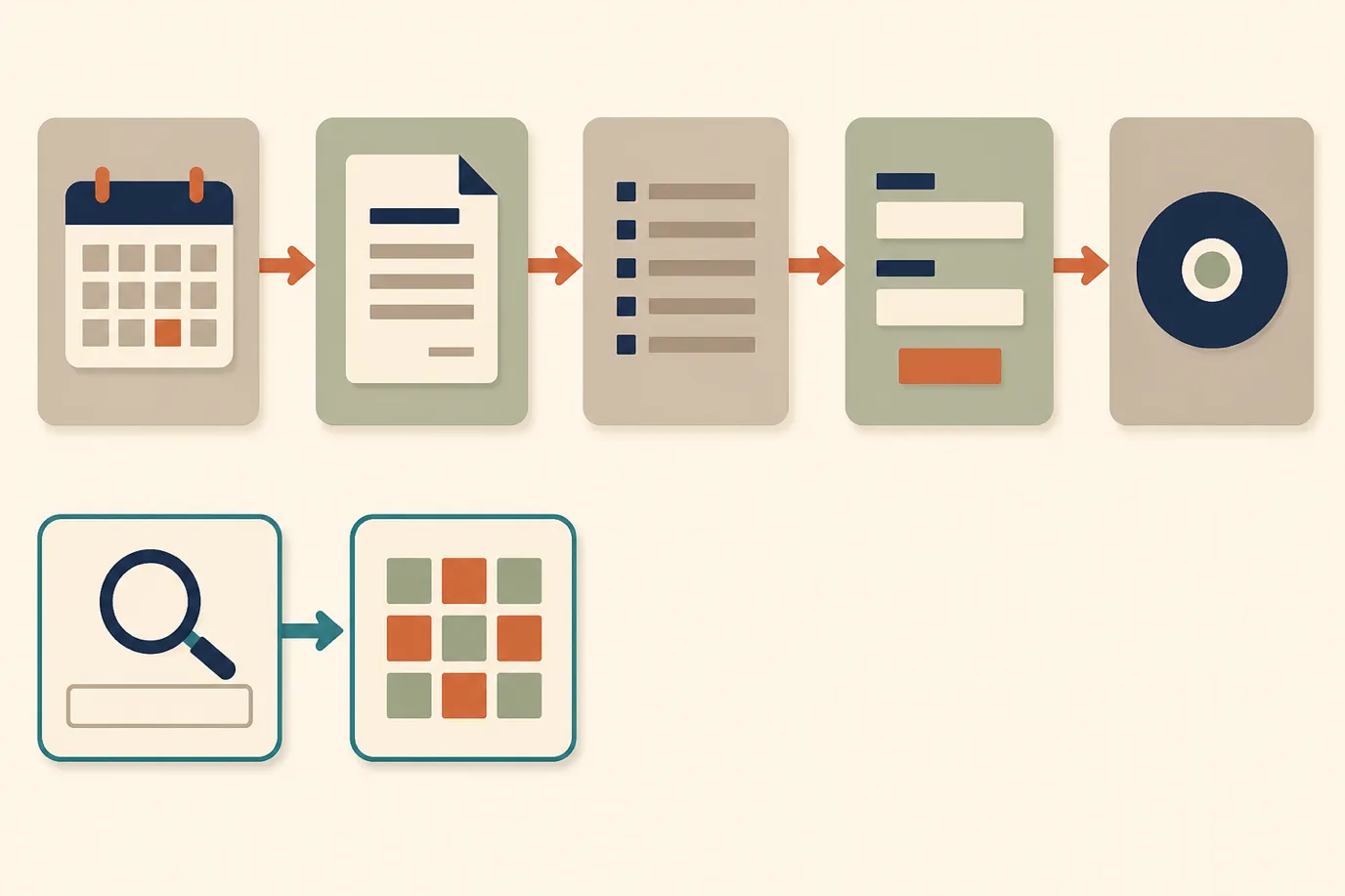
Most properties need both shapes. A terminal where there is a service, a panel everywhere else, and one set of numbers underneath.
The Numbers an EPOS Leaves Behind
Reporting is where an integrated system pays for itself in a way that is hard to see during a demo, because the difference is not a better report. It is the absence of a task.
With a separate EPOS, somebody exports sales, somebody else exports folio postings, and a third person reconciles the two. That work happens every month in thousands of hotels, and it is entirely artificial: it exists only because the two systems are separate. When the point of sale sits inside the PMS, outlet revenue and room revenue are already in the same place, and the reconciliation is not faster, it simply is not there.
The questions worth being able to answer without a spreadsheet are narrow. What did each outlet take, by day and by shift. Which items sold, in what quantity, at what margin. How much of the outlet revenue was charged to rooms rather than settled at the point of sale, which is a number most hotels cannot produce and which directly explains a chunk of their daily revenue variance. And where the voids and discounts are concentrated.
If you take one metric from this, take the room-charge ratio in each outlet. It tells you how much of your F and B revenue depends on the folio posting working correctly, which is to say how much of it is exposed to the handoff described earlier.
Offline Mode Is Not a Luxury Feature
Retail can stop for ten minutes. A restaurant mid-service cannot, and a resort on a Southeast Asian island where the line drops most afternoons cannot stop at all. This is the question most likely to be answered vaguely in a sales conversation and most likely to matter in the first month.
Ask what specifically continues to work. Taking orders and printing to the kitchen is the easy part and most systems manage it. Card authorisation genuinely requires a network, so any vendor claiming full offline card payments is describing either a stored transaction taken at their risk or something you should ask harder questions about. Posting a charge to a room may queue or may fail depending on the product, and the answer changes what your staff do during an outage.
Then ask what happens on reconnection, which is the half nobody demos. Orders taken offline have to synchronise without duplicating, and a system that replays a queue badly turns a twenty-minute outage into an afternoon of corrections. Tableview keeps working when connectivity is lost and syncs once it returns; the broader mechanics of that model are covered in the piece on cloud based POS systems.
What an EPOS System Costs
Three separate numbers, and hotels routinely compare only the first.
The software licence is usually priced per terminal or per outlet per month, occasionally per property with a terminal cap. Read which, because a property with a restaurant, a pool bar and a spa desk may be buying three of something rather than one. Ask whether a second till in the same outlet is charged again, and what a seasonal outlet costs when it is closed for four months.
The hardware is a one-off with a replacement cycle. A tablet, a stand, a printer and a drawer is the cheap end of a real setup. A fixed terminal with an integrated payment device is a multiple of that. Neither is a large number next to the third one.
Card processing is the third and it dwarfs the other two on any outlet with real volume. A rate difference that looks trivial on a slide is a meaningful annual sum once every drink in the building runs through it. If the EPOS comes bundled with a processor, evaluate that arrangement as its own commercial decision rather than a detail of the software choice, in the same way you would with payments inside the PMS. Check whether the software price is conditional on using their processing, because if it is, the two are one contract.
The costs nobody quotes are implementation and the menu build. Someone has to enter every item, price, modifier and tax rule, and for a property with several outlets that is days rather than hours. Ask who does it and whether it is included.
Card Data and Who Carries the Risk
An EPOS handles card payments, which places it inside your PCI DSS scope whether or not anyone has told you so. The good news is that modern arrangements shrink that scope considerably, provided you understand which arrangement you have.
The distinction to establish is whether card data ever touches the EPOS software. In a semi-integrated setup the terminal sends an amount to a separate payment device, the card is read by that device, and the EPOS receives back an approval and a token rather than a number. The card data never enters your system, and your scope shrinks accordingly. In older integrated setups the software handles the card details itself, which is a materially different obligation.
Ask the vendor which model applies, ask for their current attestation of compliance rather than a general assurance, and be clear about which parts of the responsibility remain yours regardless, because network segmentation and who has a login are not the vendor's problem. The full picture of what a property has to do is set out in the guide to PCI DSS compliance for hotels.
How to Choose One for a Hotel
Most EPOS comparisons are feature lists, which is why most of them are useless. The features are broadly the same. Start instead with your own operation and work outward.
Write down where selling actually happens in your property and what each place is like. A restaurant with table service, a bar that runs tabs, a spa desk that sells one treatment at a time, a front desk that posts odds and ends all day. Each of those is a different answer, and the list is what tells you whether you are buying terminals, a panel in the PMS, or both.
Then test the integration rather than the till. Ask to post a charge to a room during the demo and watch what happens when the room is wrong, when the guest has checked out, and when the connection drops mid-post. Every product looks identical when things work; they diverge entirely when they do not.
Ask about the catalogue next, with your hardest item. Bring the bundle, the thing sold two ways from one stock, the treatment with a retail product attached. If it takes the vendor a while to answer, that is the answer.
Finally, ask two commercial questions that are easy to forget in a product conversation. What is charged per outlet and per terminal, and does a seasonal closure change it? And is card processing tied to the software licence? If you are running this evaluation alongside a wider system decision, the discipline in how to run a hotel PMS demo applies here without modification.
Mistakes That Only Show Up in Month Three
The failures that hurt are never visible at go-live. They surface once the novelty has worn off and staff have found their workarounds.
Buying a retail system because it was cheaper. It will handle a shop counter perfectly and fall apart the first time a table wants to split a bill three ways with one share going to a room. The saving is real and it lasts about a season.
Leaving the room-charge posting unmanned. If posting to a folio requires a second manual step, that step will be skipped during a rush, and the pad in the drawer becomes the system of record. Check a month after go-live whether a pad exists. There usually is one.
Letting the item catalogue grow untended. Staff create items to get through a service, and nobody deletes them. A year later the same drink exists under four names and your best-seller report is fiction. Someone should own the catalogue in the way someone owns the rate plan.
Treating voids as an ordinary function. If everybody can cancel a line and nothing records who did, you have removed the only control the system offers for free.
Assuming the reporting will be reconciled by somebody. If the EPOS and the PMS are separate, the reconciliation is a job, and jobs that belong to nobody do not get done. Either assign it or remove the need for it.
The thread running through all five is the same. An EPOS system is not really a device for taking money, because taking money was never the hard part. It is the record of what your property sold, who sold it, and where the charge went, and its value is decided almost entirely by whether that record arrives on the guest's bill by itself or waits for somebody to type it in.