
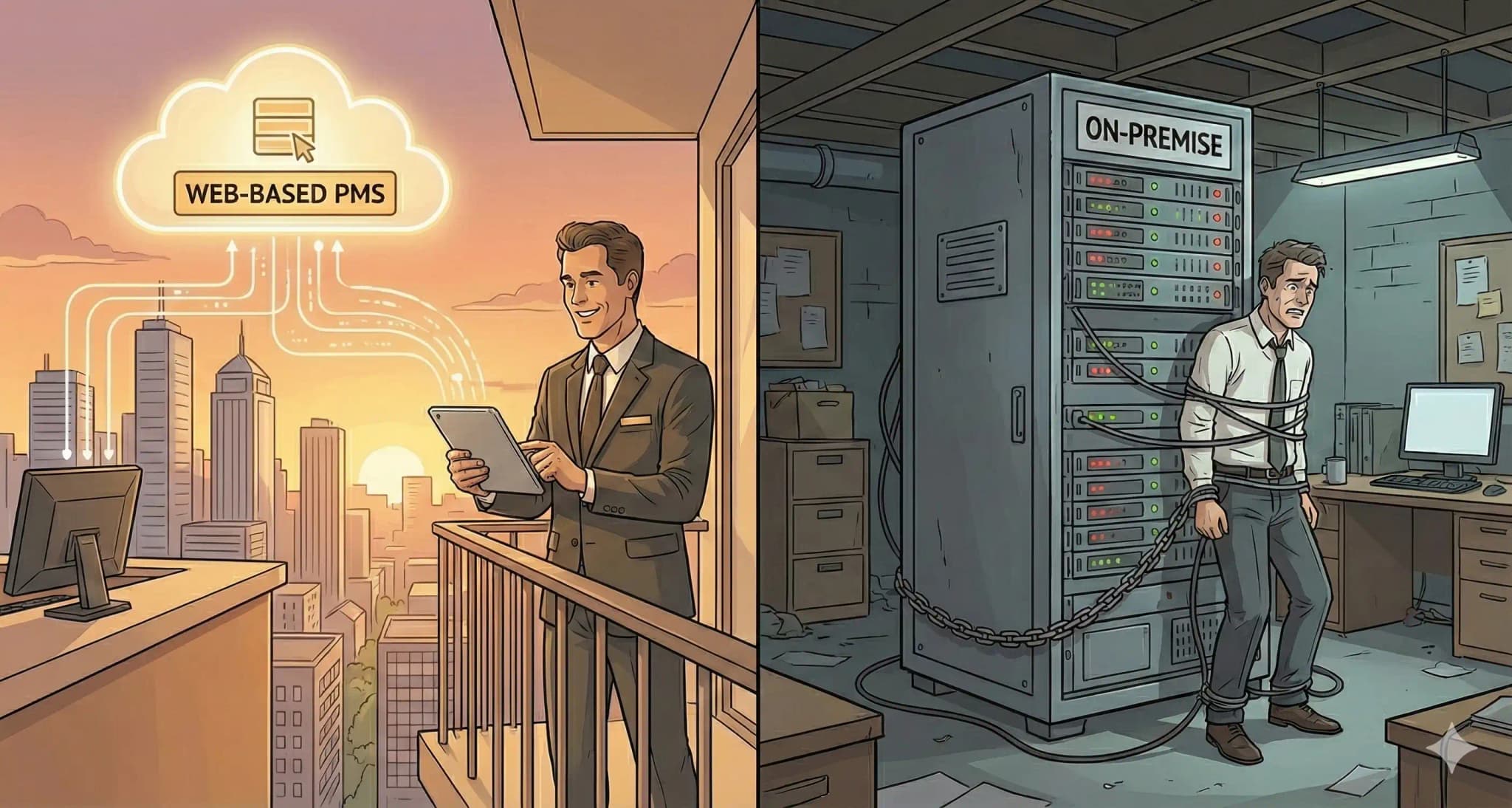
A web-based property management system runs entirely in the browser. No servers in the back office. No special hardware. Property managers, landlords, and real estate operators sign in from anywhere with a working internet connection. Data lives on remote servers run by the vendor. Any device with a browser, laptop, tablet, phone, gets the same view of the same property. This web based property management system consolidates the back office work into one screen. Rent collection, work-order tickets, lease terms, the monthly P&L, owner reports. The fragmentation that used to live across four different spreadsheets goes away.
This article explains the main distinctions between web-based and on-premise property management software. It looks at the pros and cons of each deployment method and what property management organizations of all sizes should think about when implementing them. If you manage a few rental homes or a portfolio of multi-family rentals and commercial properties, knowing these deployment options will directly affect how well you run your business, how much it costs, and how you do your work every day.
Web-based property management systems are cloud-hosted platforms that can be accessed through web browsers without having to install a server on your own computer. They give property managers remote access to all the tools they need to manage properties, collect rent online, and make operations run more smoothly from anywhere with an internet connection.
You will learn the following by reading this guide:
- A clear awareness of the differences between web-based and on-premise property management software
- Understanding the costs, such as the initial investment and the monthly fees that come with it
- Understanding the trade-offs between security and data control
- Understanding the factors that affect the scalability of a developing property management business
- Information on hybrid solutions that integrate the best parts of both techniques
Understanding Web-Based vs On-Premise Property Management Systems
The difference between a web-based property management system and an on-premise property management tool affects how you use your program, keep track of your data, and expand the features of your property management software. Property owners and real estate investors can make smart choices that fit their business needs by knowing these deployment methods.
Web Based Property Management Systems
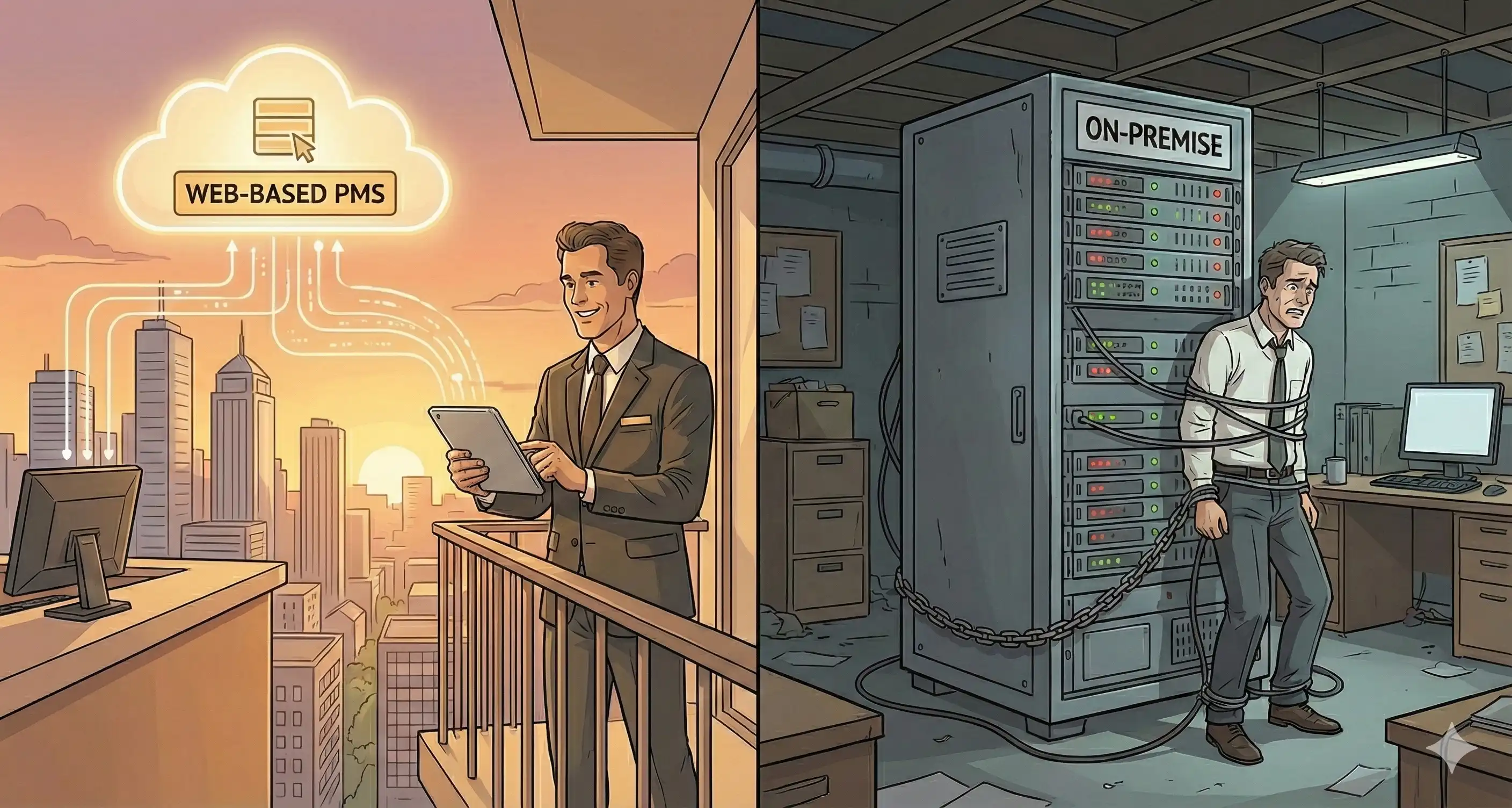
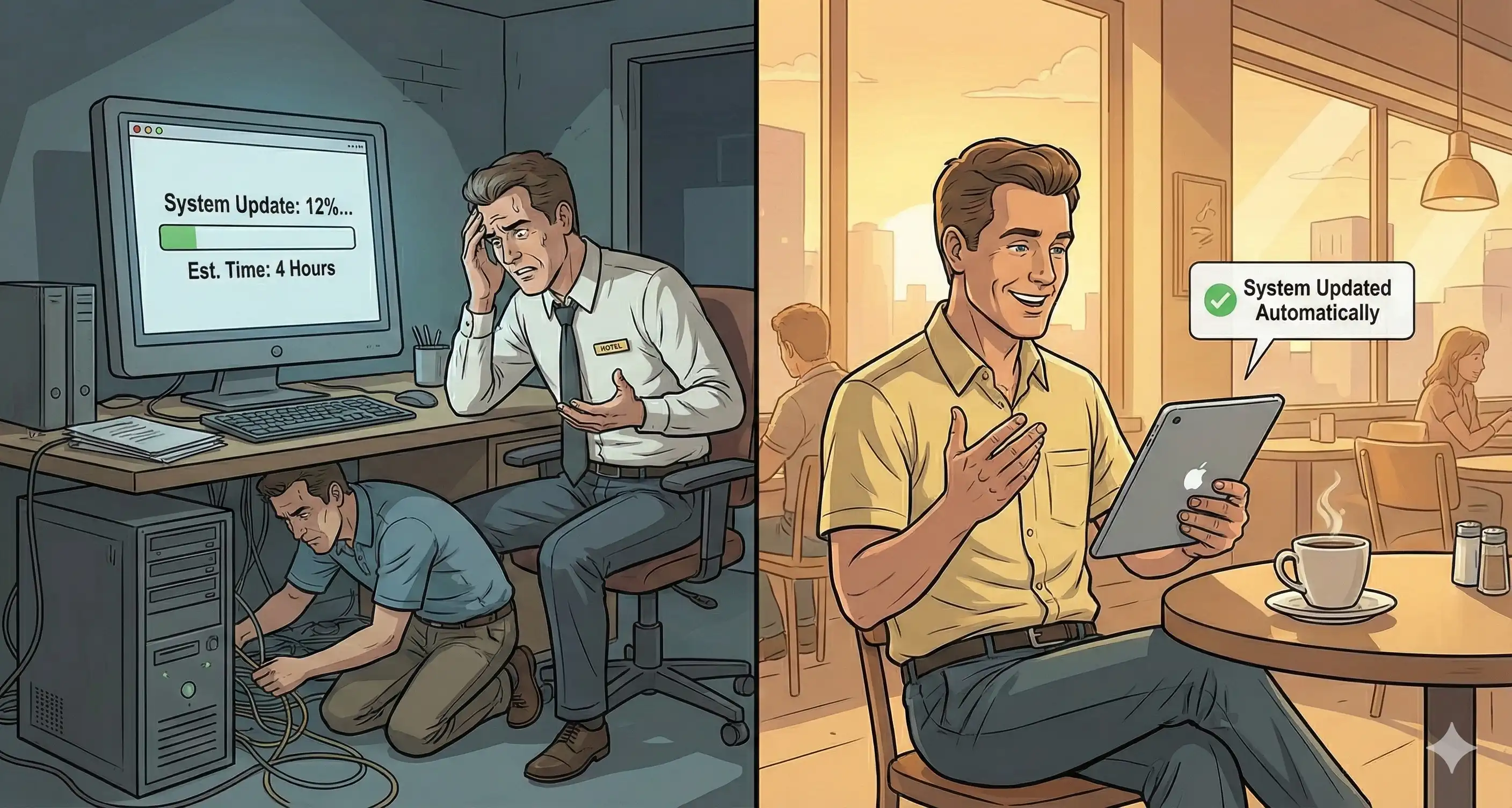
Web-based property management software runs fully on cloud infrastructure. Vendors host the software on remote servers, and property managers use regular web browsers to access its features. With this subscription-based strategy, you don't have to buy, install, or manage local servers. The vendor takes care of all the technical infrastructure, automatic updates, and data backups.
Whenever a guest pays a folio, books a room online, or pulls up a custom report, the data moves over an encrypted connection to and from the application. Every device on the account sees the change at the same time. That's the architectural payoff of a true cloud all-in-one. Picture the simplest case. A guest files a maintenance request from the in-room portal at 7am. The night auditor's tablet, the engineering shop's phone, and the GM's laptop all see the ticket immediately. Nobody walks a slip of paper between desks. Nobody re-types anything. Modern hospitality teams expect to manage from wherever they happen to be standing, whether that's the front desk, the parking lot, or 30,000 feet over a connecting flight.
There is a direct link between operational efficiency and web-based systems: they don't need any IT infrastructure, so property managers can focus on managing tenants and increasing rental income instead of fixing server problems.
On-Premise Property Management Systems
You need to install on-premise property management software directly on the servers or computers in your company. You buy software licenses instead of paying monthly fees, and all of your data is stored on hardware that you own and manage. This deployment requires a lot of money up front for servers, networking gear, and continuous IT upkeep.
Technical needs include specialized server hardware, suitable cooling and power systems, regular backup infrastructure, and staff (or contractors) who can handle upgrades, security patches, and troubleshooting. With web-based systems, the vendor takes care of these things. But with on-premise deployments, your company is fully responsible for all technical issues.
The main difference between on-premise and web-based systems is how they are set up and who owns them. With on-premise, you own everything and are responsible for all the costs and obligations. With web based property management system, you access software as a service, which means you have less control but don't have to worry about infrastructure costs. This difference has a direct effect on how you handle hotel cost management, scalability, and remote access, which we will talk about in the next section.
Advantages and Disadvantages of Web-Based vs On-Premise Systems
Once the main deployment models are set, property managers and real estate professionals may figure out which one is best for their business needs, budget, and way of doing things by looking at the pros and downsides of each.
Web-Based Hotel System Benefits
Web-based property management software costs less up front since you don't have to buy servers, networking gear, or software licenses. Instead, predictable monthly fee structures distribute costs over time, which helps property management companies with cash flow so they may spend in growth. Automatic updates make sure you always have access to the newest features, such advanced automation for collecting rent online, automated rent reminders, and tenant screening services, without having to install anything or wait for it to finish.
Remote access changes the way property managers do their jobs. You can process rental applications while exhibiting properties, look over financial reports during investor meetings, or reply to maintenance requests while you're on the road. Mobile apps make this even more flexible by letting you manage properties and talk to tenants from your phone or tablet. Multi-device compatibility ensures that everyone on the team can see the same real-time data, no matter where they are.
The benefits of scalability are quite important for portfolios that are increasing. You don't need to buy any more hardware to add rental properties, onboard more property owners, or go into commercial properties. The cloud infrastructure scales on its own. This flexibility helps real estate investors develop portfolios without making the technical side of things more complicated.
Web Based Hotel System Drawbacks
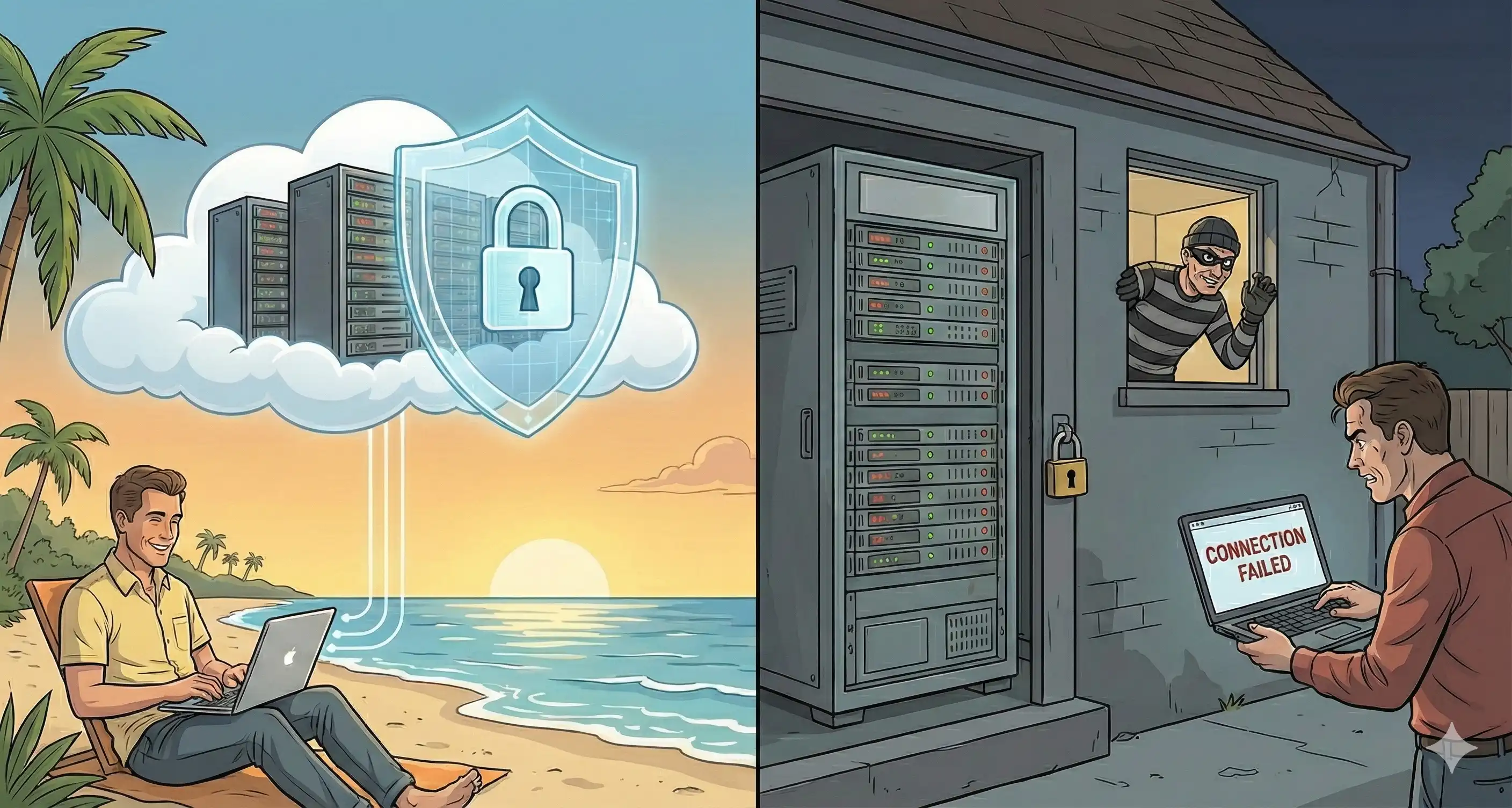
The main problem is that you depend on the internet. You can't use your web based pms, make online payments, or go over guest records if you don't have a reliable internet connection. When the internet goes down, properties in areas with unstable internet may have trouble running their properties, which could slow down hotel operations and have a negative effect on the guest experience.
Over time, ongoing subscription prices can add up and become more expensive than one-time license payments for long-term customers. Monthly fee structures may help with initial cash flow, but the overall cost of ownership over many years may be more than on-premise options. Property management businesses need to figure this out based on their budget and timetable.
Storing sensitive guest information, bank account details, and financial management data on third-party computers raises issues about data control. Enterprise-grade encryption and security measures keep cloud systems safe, but some hotel managers would rather have direct control over their data infrastructure. Deployment preferences may also be affected by compliance regulations in some places.
On-Premise System Advantages and Limitations
On-premise systems make sense for a narrow set of properties. The big one is regulatory pressure. Some jurisdictions require physical control of guest screening data, credit reports, eviction history, and the financial books. Other operators run workflows that don't map onto any cloud product. Customizing your own server is the only path. There's a third case. Properties in regions with marginal internet that need to function during outages.
The trade is simple. Capital up front instead of subscription forever. For a 200-room property planning to run the same software stack for ten years, the math sometimes works out. The cloud subscription compounds. The license payment is one-and-done.
The cost stack is bigger than the headline license. Servers. Backup hardware. Networking gear. Annual maintenance contracts. The IT staff or the contractor on retainer to apply patches and run the nightly backup. Properties that pencil out the on-premise math and exclude the human cost of running the rack room usually regret it eighteen months in.
Remote access also gets harder. VPN, remote desktop, or some equivalent jump-host setup. Working from anywhere becomes a project, not a feature. Scaling adds another layer. The 200-room property that becomes a 400-room property needs new servers, new licenses, sometimes new backup gear. Every step is a capex event with downtime risk. Web-based stacks scale by adding seats.
The cleaner read is this. Properties that want flexibility, remote access, and minimal IT overhead pick web-based. Properties with hard regulatory requirements and an existing IT department pick on-premise. Hybrid setups, with the booking engine in the cloud and the financial records on-prem, are starting to fill the middle. The next section gets into them.
Implementation Considerations and Hybrid Solutions
Using the comparison above as a starting point, you need to carefully consider your business needs, technological infrastructure, and growth path when choosing the correct property management software. This part gives you a way to make decisions and talks about hybrid ways that get around the problems with traditional ones.
Evaluation Criteria for System Selection
Before deciding between web-based and on-premise deployment, think about these important things:
- Portfolio size assessment: Larger portfolios of multi-family rentals and commercial properties usually benefit from web-based scalability, although smaller businesses may be fine with on-premise solutions.
- Budget and resource evaluation: Figure out both the upfront and ongoing costs, such as the monthly rate for subscriptions versus the one-time cost of licenses plus maintenance.
- Technical infrastructure requirements: Check the current IT skills, staff knowledge, and readiness to handle server infrastructure.
- Compliance and security needs analysis: Check the rules for data residency, industry standards, and your own security policies that apply to tenant information and financial data.
Web-Based vs On-Premise Comparison Table
| Criteria | Web-Based | On-Premise |
|---|---|---|
| Cost Structure | Monthly fee subscription, lower upfront | One-time license, higher initial investment |
| Maintenance | Vendor-managed, automatic updates | Self-managed, manual updates required |
| Accessibility | Any device, anywhere with internet | Office network, VPN required for remote |
| Security | Vendor-provided encryption, cloud protocols | Self-managed, complete data control |
| Scalability | Instant, no hardware changes | Requires server upgrades, potential downtime |
| Internet Dependency | Required for all functions | Functions offline, local data access |
This comparison shows that neither technique is always the best. The best solution for your property management firm will rely on the aspects that are most important to you. For many property managers, a hybrid solution is quite appealing since it combines the convenience of being able to access it online with the reliability of being on-site.
Hybrid Solutions: Best of Both Worlds
Prostay and other property management software are examples of a new hybrid technique that gets beyond the problems that come with using the web or your own computer. Prostay is a cross-platform hotel management software that works as both online property management software using web browsers and cloud connectivity and offline with or without servers or extra expenditures.
This two-in-one function solves the main problem that property managers face: relying on the internet. With Prostay's offline features, you can manage properties, keep track of maintenance requests, process rental applications, and make financial reports even in places where the internet isn't always available. When the connection is restored, data instantly syncs, so there is no need to enter data twice or lose any.
The cost structure is also good. Unlike pure web-based systems that need continuous subscriptions or on-premise systems that need expensive servers, Prostay's cross-platform apps don't need any infrastructure expenditures and still give property management companies the flexibility they need. This all-in-one platform lets you collect rent, manage leases, talk to tenants, and keep track of property accounting without having to choose between several deployment options.
Property managers who want a platform that is easy to use and has all the features of advanced property management software, such as signing lease agreements online, screening tenants, collecting rent, tracking maintenance, and generating performance insights, should seriously think about hybrid solutions.
Common Implementation Challenges and Solutions
No matter how you choose to deploy property management software, there will be challenges that may be overcome with good preparation. Property managers can save time and avoid problems during transitions by knowing what problems are common.
Internet Connectivity Concerns
For systems that run on the web, an unstable internet connection can stop them from working. Use hybrid solutions like Prostay that keep working offline to solve this problem. This way, property managers can still get important information like lease agreements, tenant information, and maintenance tracking even when the internet is down. If you're only using the cloud, think about backup mobile connectivity or setting up offline data caching if you can.
Data Migration Complexity
It takes a lot of planning to switch from old property management systems or spreadsheets to new software. Start the stepwise migration with current lease agreements and tenant data, then move on to historical information. Keep backups throughout the process and use custom reports to compare the old and new systems to make sure the data is still correct. Give yourself enough time; hurrying the move might lead to mistakes that make it harder to collect rent and keep track of finances.
Staff Training and Adoption
New software can affect how people operate every day, which could make them resistant. Choose property management software that has easy-to-use interfaces that don't require much time to master. For example, Prostay's easy-to-use design lets property managers collect rent, handle maintenance requests, and screen tenants with just a few clicks. Train people well before the system goes live and find internal advocates who can help their coworkers during the changeover.
Cost Management
Before you sign up, figure out the total cost of ownership. For web-based subscriptions, plan out how much you'll spend on monthly fees based on how long you think you'll need them. For on-premise, add the cost of hardware, license, IT maintenance, and the cost of personnel time. Look at these predictions next to hybrid solutions like Prostay, which get rid of server costs and subscription fees while still giving you all the tools you need to manage tenants, make sure they follow the rules, and keep track of rental money.
Conclusion and Next Steps
You need to think about your business's needs, such as the size of your portfolio, your budget, your IT skills, how reliable your internet connection is, and your plans for expansion, before deciding between web-based and on-premise property management software. Property managers who use cloud-based solutions can access them from anywhere, get immediate updates, and scale them up as needed. On-premise gives companies with the right infrastructure control over their data and the option to work offline.
Hybrid solutions are becoming more and more the best choice for property management organizations that want both freedom and flexibility. Prostay's cross-platform approach gives you all the benefits of online property management software, like being able to access tenant portal features, collect rent online, screen potential tenants, sign lease agreements, and improve efficiency with advanced automation. It also works offline without servers or ongoing costs.
Immediate actionable steps:
- Take a look at your present property management needs and write down the features you need for collecting rent, managing leases, screening tenants, and making financial reports.
- Look at your budget for both one-time and continuing costs over a realistic time frame.
- Try out hybrid solutions like Prostay to see how cross-platform functionality gets around the problems that come with traditional deployment.
- Carefully plan the move, putting data integrity and staff adoption first.
For further information, you might want to look into how mobile apps can be used to manage properties on the go, how APIs can interact with bank accounts and accounting systems, and how new cloud trends are changing real estate technology.
Additional Resources
System Requirement Checklist:
- Internet reliability assessment for your properties and office locations
- Hardware inventory for on-premise consideration
- Current software ecosystem requiring integration
- Staff technical capabilities evaluation
Cost Calculation Framework:
- Monthly fee projections over 3, 5, and 10-year periods
- One-time licensing plus annual maintenance estimates
- Hidden costs: IT staff time, hardware replacement cycles, training
- ROI metrics: time saved, revenue streams enabled, late fees reduced
Security Compliance Guidelines:
- Data residency requirements for your jurisdiction
- Tenant information protection standards
- Financial data handling protocols
- Backup and disaster recovery requirements