Property Management System Software: The Secret to Success
 Mika Takahashi
Last updated Jan 6, 2026
Mika TakahashiProperty management system software is a digital platform that brings together and automates the day-to-day tasks of hotels, holiday rentals, residential properties, and commercial real estate. This property management solution takes care of everything from making reservations and checking in guests to keeping track of maintenance, billing, and financial reports. It replaces several spreadsheets and manual operations with a single system.
This article talks about property management software that are made for different types of properties. It helps property managers figure out which features are best for their individual needs. If you own a small hotel, a group of rental properties, or commercial premises, knowing the differences between them can help you avoid expensive mistakes when it comes to matching software features with daily tasks. Here, property owners, hotel managers, property management organizations, and real estate experts who are looking at their first property management software or thinking about moving can discover useful advice.
Property management system software automates things like booking, checking in and out of guests, coordinating housekeeping, collecting rent, handling maintenance requests, and making financial reports for different types of properties. This cuts down on administrative work by up to 40% and speeds up the processing of rent payments by 70%.
You will know what to do after reading this article:
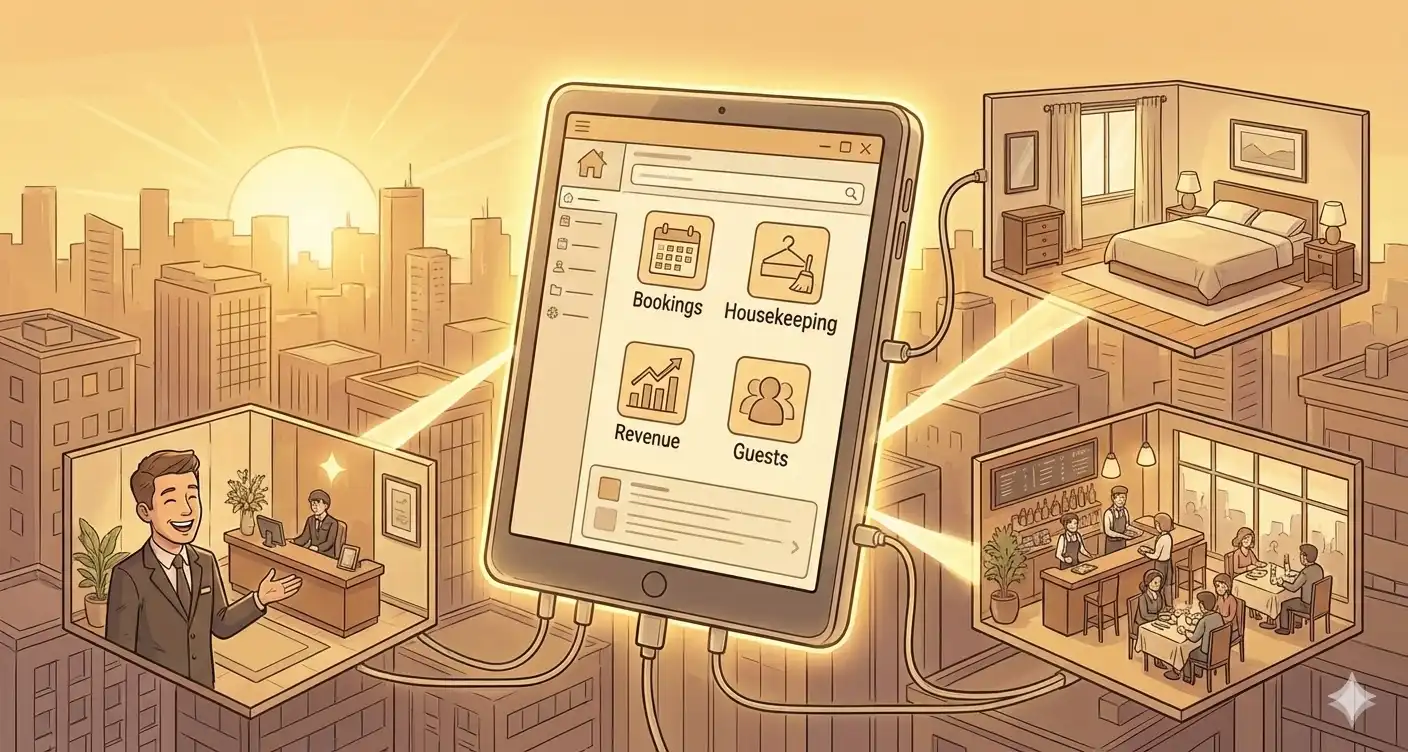
Property management system software is an all-in-one platform that lets you handle reservations, front desk operations, housekeeping, billing, and reporting all from one dashboard. A whole management system links these tasks together so that a reservation instantly starts the process of assigning rooms, scheduling housekeeping, and billing. This is different from simple booking calendars or spreadsheets that just keep track of one thing at a time.
Reservation management is the most important part, and it includes a booking engine that updates availability in real time on many platforms. Properties can take direct bookings on their website and sync with OTAs like Booking.com to avoid overbooking and make the most of their occupancy.
Front desk operations make checking in and out easier with an easy-to-use interface. Staff may quickly see guest details, room assignments, and payment status. Automated room status flags let housekeeping know right away when a guest checks out.
Keeping track of housekeeping and upkeep helps keep buildings in the best shape possible. Staff can use mobile apps to ask for repair, management can keep an eye on task performance, and scheduling maintenance ahead of time can help prevent equipment failures that might affect visitors.
Billing and hotel online payment processing take care of rent payments, collecting deposits, and managing money for better hotel financial management. Integration with payment gateways such as Prostay Pay lets people pay online with ACH or a credit card, and automated late fines and reminders help you with online rent collection and online hotel payments.
Guest communication technologies take care of messages before, during, and after stays. Automated confirmations, check-in instructions, and surveys after a stay keep people interested without any work on their part.
Cloud-based property management software keeps data in sync across devices in real time, so property managers can keep an eye on things from anywhere. These systems don't need any server infrastructure, update on their own, and usually charge a subscription fee that goes up as your portfolio grows. This model is the most popular for properties that want to be easy to access and have reduced upfront expenses, with 80% of new installs selecting cloud solutions.
On-premise systems are best for bigger properties with their own IT team because they provide you full control over your data and don't depend on the internet. But maintenance fees, managing updates, and hardware needs make things more complicated.
Hybrid systems combine both methods by keeping local backups and using the cloud for access. This is especially useful for properties in locations with inconsistent internet. This is where our property management software comes in handy, Prostay.
Channel management links your property to online booking sites like Airbnb VRBO, Booking.com, and direct booking engines, making sure that rates and availability are the same across all of them. Without this integration, it takes a lot of time and effort to manage properties on more than one platform.
For establishments with bars and restaurants, point-of-sale integration is quite important. Standard property management systems can handle accommodations, but they don't have a lot of F&B features. This means that guests spend up to 15% less on food and drinks because their spending is not connected.
If your PMS and accounting software can talk to each other, you won't have to move data between them by hand. Automatic classification of expenses, property accounting, and making financial reports save you hours every week.
Different kinds of properties need different sets of features. For example, a hotel needs dynamic pricing engines, whereas rental property management software focuses on lease agreements and tenant screening services.
The type of property determines which qualities go from being pleasant to have to being necessary. A commercial property manager who keeps track of vendor contracts needs quite different tools than a vacation rental operator who coordinates cleaning workers across several platforms.
Multi-room type management takes care of regular rooms, suites, and specialty rooms, each with its own set of rates. Revenue management technologies look at market data to change prices in real time, and advanced systems can raise RevPAR by 10–15% by changing rates based on data.
Group booking and event management keep track of corporate accounts, wedding blocks, and conference guests. Properties can assign room blocks, keep track of pickup rates, and manage rooming lists without having to do it by hand.
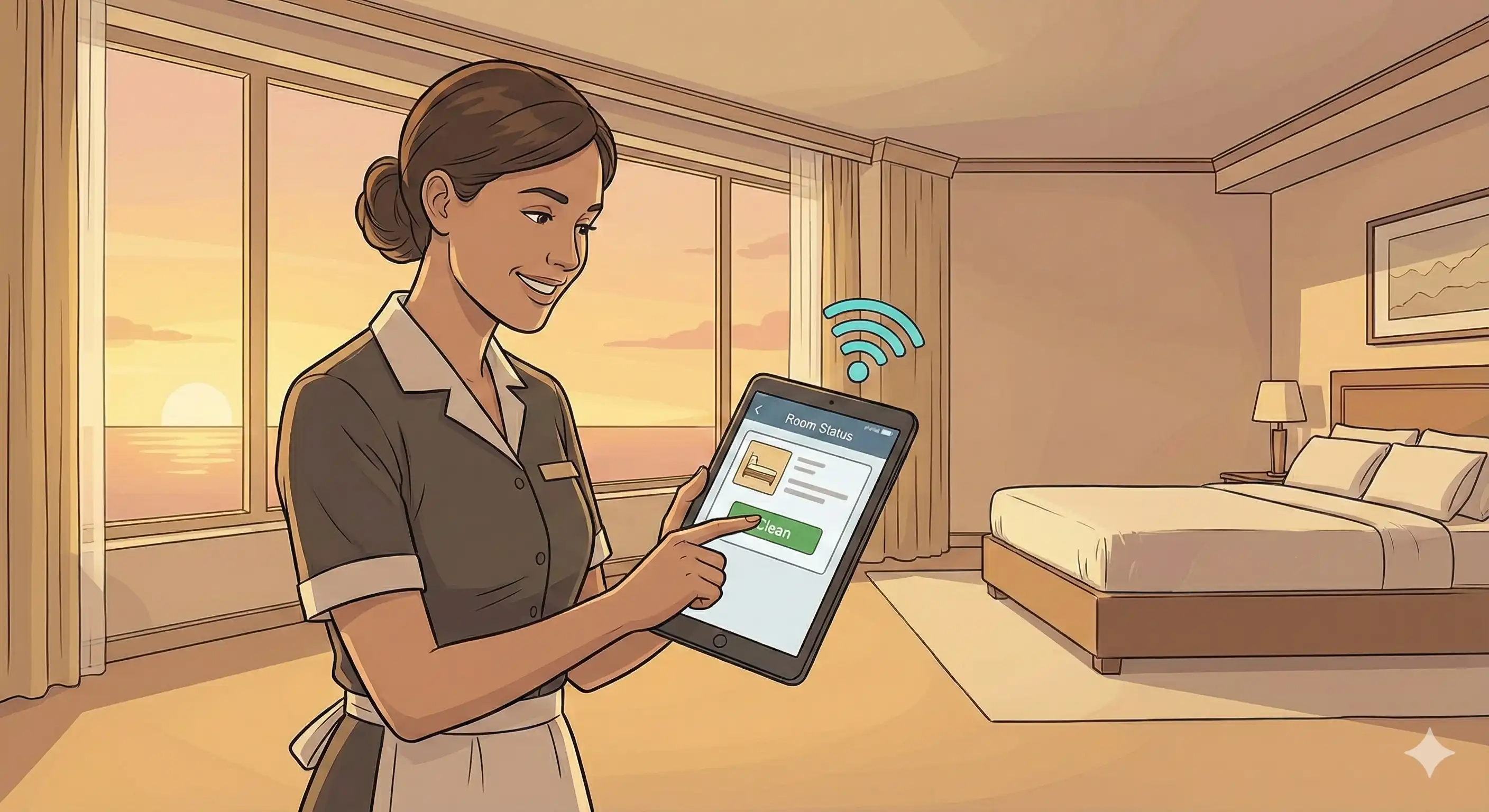
Housekeeping workflow automation gives cleaning jobs to staff based on when guests check out and when staff is available. Housekeepers may update the state of rooms in real time with mobile apps, which speeds up the front desk.
Management of maintenance plans preventative work for HVAC, elevators, and shared spaces. Creating work orders such as maintenance requests through a online maintenance request system for fixes that are contracted out to vendors, like plumbing or landscaping, keeps things running smoothly.
To send listings to Airbnb, VRBO, and Booking.com at the same time, you need a channel manager that changes availability on all platforms right away. The best property management software eliminates double-bookings and makes sure that your listings are seen by as many people as possible.
Automated guest messaging sends check-in instructions, property access codes, and area recommendations without the owner having to do anything. Guests get information on time, and proprietors don't have to do the same communication duties over and over again.
Cleaning schedule coordination gives each rotation a time based on when guests check out and check in. When cleaning services are integrated, properties are ready for guests, and everyone in the portfolio can see status updates.
Owner reporting and commission management keep track of income by property, figure out management fees, and make statements for real estate investors who own more than one unit.
The main features of rental property management software include long-term lease management and automated rent collecting. Properties can sign leases online, keep track of when they need to be renewed, and set up automatic reminders for rent.
Tenant screening services check out potential tenants by looking at their credit reports, rental history, and criminal records. Integrated screening lowers the amount of time that apartments are empty and raises the quality of tenants.
Tenants can send in maintenance requests with pictures through online platforms, and property managers can issue work orders and keep track of when they are done. This openness makes it easier for tenants to talk to each other and makes them happier.
Landlords that manage single units or property portfolios can use financial reporting to get information about property spending, cash flow, and financial performance. It's without a doubt that a rental property management software is no longer a luxury.
Before putting something into action, a thorough examination eliminates costly blunders. Properties that rush the selection process typically find important features missing months later, which means they have to pay a lot to switch or find a way to work around the problem.
Demo sessions show you if a property management software solution really works for your business. Instead of going on general feature tours, make a list of targeted questions.
Integration capabilities: “Demonstrate how this system connects with our existing accounting software and POS systems. Can we see a live data transfer?” Verify API documentation exists for your specific integrations.
Staff training requirements: “What’s the typical learning curve for front desk staff versus accountants? Provide examples from properties our size.” Training typically spans 2-4 weeks, but complexity varies significantly.
Data migration process: “Walk through exactly how our tenant histories, financial records, and current reservations transfer. What’s your error rate?” Average migration takes 1-2 months for mid-size portfolios; underestimating customization needs causes 20-30% timeline overruns.
Ongoing support and updates: “What uptime SLA do you guarantee?” Aim for 99.9% minimum. “Show your disaster recovery process.”
Pricing transparency: “List all fees beyond the subscription—setup, training, premium support, add-on modules.” Hidden costs can double effective pricing.
Customization options: “Can we add multi-language support for diverse tenants? Custom fields for our specific workflows?” Essential plan versus premium plan feature differences matter here.
Security measures: “Describe your encryption standards and compliance with data protection regulations. Are you SOC2 certified?” Cyber threats in real estate rose 25% in 2025.
Properties that are moving from paper-based or spreadsheet systems encounter certain problems so they need an all in one software for hotel management. A organized approach speeds up adoption and cuts down on disruptions.
System requirements assessment: Check the reliability of the internet, the hardware you need, and any holes in the infrastructure. Cloud solutions lower requirements but still need a steady connection.
Staff role assignments: Choose champions from each department who will lead the way in adoption. Change management that shows a return on investment, such as saving 40% of staff time on administrative duties, helps with staff opposition.
Phased rollout strategy: Start with the most important modules, such billing and reservations, and then add more complex ones. Pilot testing with just one property or department finds problems before the whole portfolio goes live.
Training schedule development: Give training that is particular to each function, such as reservations for front desk staff, reporting for accountants, and work orders for maintenance staff. Interactive simulations work better than video collections that you just watch.
Go-live timeline: Plan for the old and new systems to run side by side for two weeks. This overlap finds mistakes and gives staff confidence before the entire transfer.
It takes a lot of work to get guest history and reservation data out of old systems. Change records into forms that can be imported, like CSV, and then check them for accuracy before loading. ETL tools given by vendors raise success rates to 85%.
Moving financial records requires special care. Before switching over, make sure that account balances, open invoices, and past transactions are the same in both systems.
Setting up staff access gives different roles—like front desk, management, and maintenance—different levels of permission. This keeps people from getting in who shouldn't and makes workflows easier.
Third-party integration testing makes sure that channel managers, payment processors, and accounting links work correctly in real life, not only in demo situations.
During the shift, performance monitoring keeps track of things like the time it takes to process payments (which should drop by up to 70%) and the speed of booking confirmations to make sure things are getting better.

Most problems with implementation come from things that are easy to see. Taking care of these things ahead of time stops the 60% failure rate that comes from not being ready.
Training programs that include hands-on practice sessions help people learn faster than just reading about it. Before going live, staff must handle real transactions in a staging environment.
The system introduces new functions gradually, so users aren't overwhelmed by everything at once. Begin with daily activities and then move on to reports and more advanced features.
Clear communication about how the new system will make things more efficient—fewer manual entries, faster processes, and less paperwork—helps personnel recognize how it will help them instead of seeing it as more work.
Your vendor's professional migration services cut down on mistakes by a lot. Instead of trying to do the transfers yourself, which can often destroy data, set aside money for this help.
During the changeover, keeping the backup system up to date gives you a safety net. Don't get rid of old systems until the new platform has worked well for at least one full billing cycle.
Extended parallel operation finds differences between old and fresh data. Before you say that the migration is complete, make sure that the essential numbers, like outstanding balances, reservation counts, and maintenance requests, match up.
Testing for compatibility thoroughly before buying something stops you from finding out that it doesn't work after you've already bought it. Ask for proof that your specific software versions are able to connect to each other.
Reviewing API documentation can help find any special development needs. If your systems don't have standard connectors, plan for integration development.
Finding alternative solutions gets you ready for when integrations don't work. Properties with bars and restaurants need POS connection that goes beyond what a conventional PMS system can do. This is a major flaw in standard property management systems.
Properties with F&B outlets: Standard property management software does a good job with rooms, but it doesn't have many features for restaurants and bars. You need unique systems for things like table reservations, managing the menu, keeping track of inventory, and syncing the POS for uniform billing. This divide leads to siloed operations and lost income when visitor spending can't be combined across different rooms and eating options.
Prostay PMS and Tableview, its fully integrated sister firm, work together to solve this problem for these properties. Tableview shows you the real-time availability of tables that is linked with room bookings, combines folios so that dining charges go on room bills, and automatically restocks inventory based on occupancy projections. Properties say that this united approach has led to a 20% increase in extra revenue.
Prostay and Tableview use their cutting-edge technology to provide custom property management software solutions that can be customized for many different types of properties. Prostay can easily adapt to the needs of any business, whether it's a big company that needs complicated, enterprise-level customizations or a small hotel or resort that needs special features made just for them. This feature makes sure that any property, no matter how big or complicated, may use software that meets their specific operational demands. This improves efficiency and visitor pleasure with essential property management tools that is made just for them.
To successfully install property management system software, you need to make sure that the system's features meet the needs of your unique type of property. Hotels need to be able to change prices and manage groups, vacation rentals need to be able to sell through many channels, and residential properties need to be able to manage leases and screen tenants. There is no one collection of features that works for all types of properties.
Immediate actions to take:
Prostay is the best property management software for properties that need a full property management solution. It was created from the ground up in a modular way. It works with properties of all sizes and budgets, from little hotels to big apartment buildings, and only turns on the functions you require. Prostay offers operational efficiency without the high costs and complexity of an enterprise-level system. It has a 99.99% uptime rate and usually pays for itself within six months.
Properties with restaurants and bars might look into Prostay's native connection with Tableview for easy F&B management. This combination gets rid of revenue loss and operational silos that happen when lodging and dining systems don't talk to each other.
You might want to look at related topics like how to use your new property management system software's analytics to measure operational efficiency, how to use tailored communication to improve the guest experience, and how to optimize pricing through revenue management tactics.