Point of Sale Systems: Everything You Need to Know
 Mika Takahashi
Last updated Feb 7, 2026
Mika TakahashiA point of sale system is a set of hardware and software that businesses use to handle transactions, keep track of their inventory, and gather client information at the time of purchase. Modern POS systems have progressed far beyond the traditional cash register, becoming key hubs that connect every area of business operations from payment processing to customer relationship management.
This guide covers all aspects of point of sale system technology, from basic ideas to more complex ways to put them into action. If you run a store, restaurant, hotel, or service business, knowing how to choose and set up the correct POS system will directly affect how well your business runs, how happy your customers are, and how much money you make. This guide will help both small business owners who are looking into their first system and experienced businesses who need to upgrade their old infrastructure.
A point of sale (POS) system is a combination of hardware and software that lets businesses collect payments, conduct transactions, keep track of their inventory, and get business insights all from one place.
After reading this guide, you will:
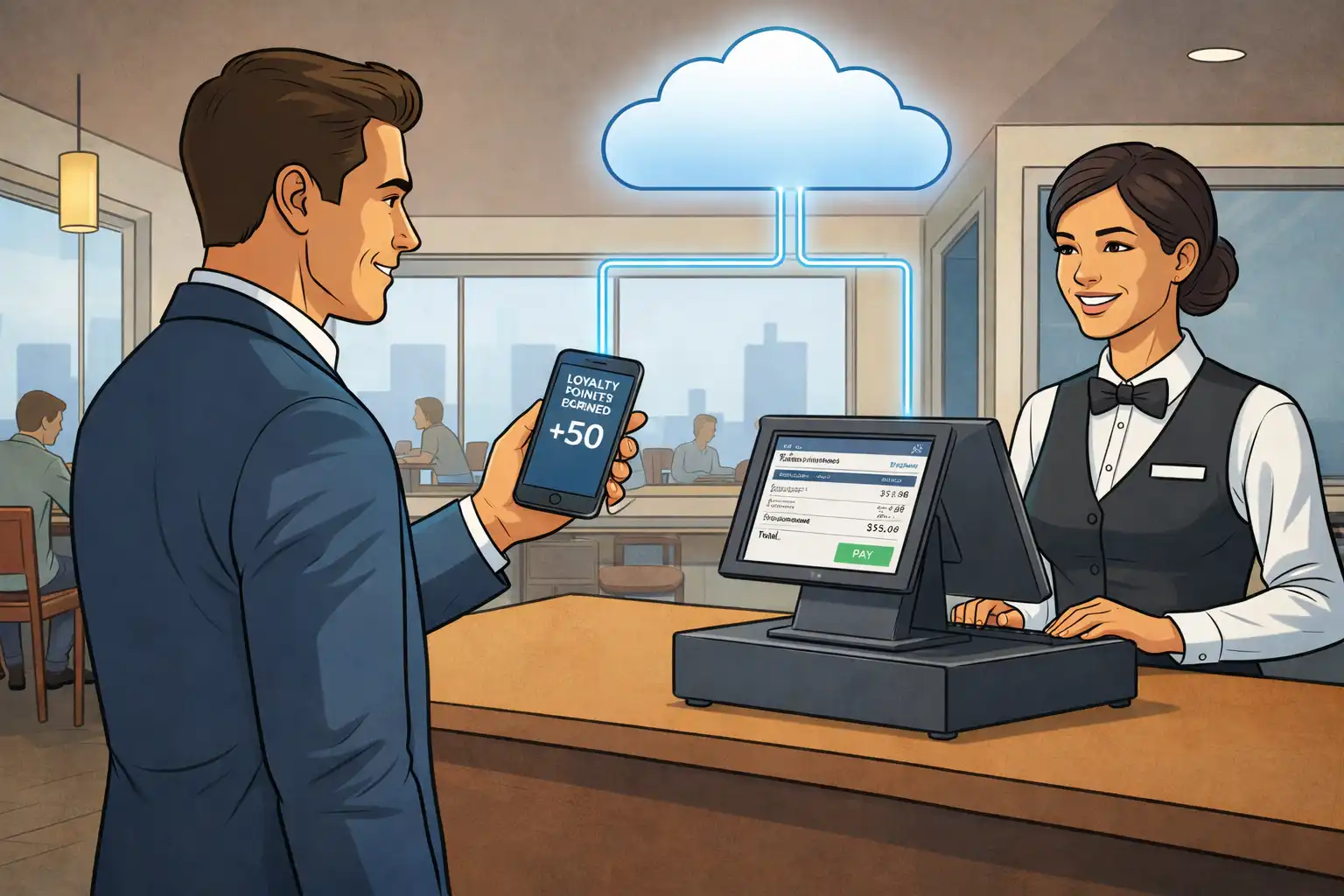
A point of sale system is the place and technology that a customer uses to buy something. This includes everything from the checkout counter equipment to the software that keeps track of your inventory in real time, adds up your sales, and processes payments. The POS platform is the main way that modern retail and hospitality enterprises run.
POS systems do much more than just process transactions for businesses nowadays. They are the main places for managing inventories, collecting sales data, scheduling employees, and running customer loyalty programs. The appropriate setup turns normal sales into chances to connect with customers and get useful business information.
POS hardware includes all the actual gadgets that work with your sales systems when customers make purchases. These parts work together to collect data, handle payments, and keep track of transactions.
Some of the most important POS devices are:
More gear, like customer-facing pole displays that show subtotals and sales, and scales that automatically figure out the price of weighted items, are also available. Each part links to your main POS software, making a single system that speeds up checkout and gets rid of the need to enter data by hand.
POS software is the main program that does all of the computations for transactions, keeps track of inventory, stores customer data, and makes reports. This digital layer turns hardware inputs into business operations that can be acted on.
Some important software features are:
The relationship between hardware and software creates a complete POS ecosystem. When a barcode scanner scans a product code, the program immediately gets the price, updates the inventory count, and records the sale for later analysis. This integration gets rid of mistakes and gives you the real-time visibility you need to run your whole organization well.
If you know these basics, you'll be ready to look at the numerous system architectures that are accessible today.
Once the basic ideas are in place, firms have to choose from a number of various point of sale system architectures, each of which is best for a certain set of needs and growth paths. Most point of sale systems on the market today can be grouped by how they are set up and how flexible their hardware is.
In traditional sales systems, each business location has its own local server and fixed hardware. These legacy setups keep all of their data on-site and usually need a lot of money up front for equipment and IT infrastructure.
On-premise point of sale system solutions are best for big stores and department stores that have their own IT teams that can handle server maintenance, software updates, and data backups. These systems work best in places where processing speed is more important than mobility. But they limit access to sales data from afar and require a lot of money to set up, which makes them less appealing to small enterprises or businesses that want to grow quickly.
Cloud-based point-of-sale systems are the most common type of modern POS system. They store data on remote servers that can be accessed over a steady internet connection. This architecture does away with the need for local servers and lets numerous locations sync in real time.
Cloud-based POS systems have a lot of good things about them, such as:
The most important thing to think about when using cloud services is how much they depend on being able to connect to the internet. Most contemporary solutions provide offline modes that retain transactions until the connection is restored. This reduces the risk for most business situations.
Mobile point of sale system solutions turn smartphones and tablets into full-fledged POS systems, so personnel can make sales anywhere on the property or at events outside of the property. Businesses may take payments, keep track of their inventory, and handle it all without a traditional checkout counter by using just a phone or tablet.
Mobile devices that bring payment processing to the table are especially helpful for hospitality firms since they cut down on wait times and make customers happier. Hotels deploy tablet-based systems for check-ins in the lobby and purchases by the pool. Retailers use mobile POS to get rid of long lineups at the register during busy times. Vendors in pop-up stores and markets use advanced sales software on small, portable sets..
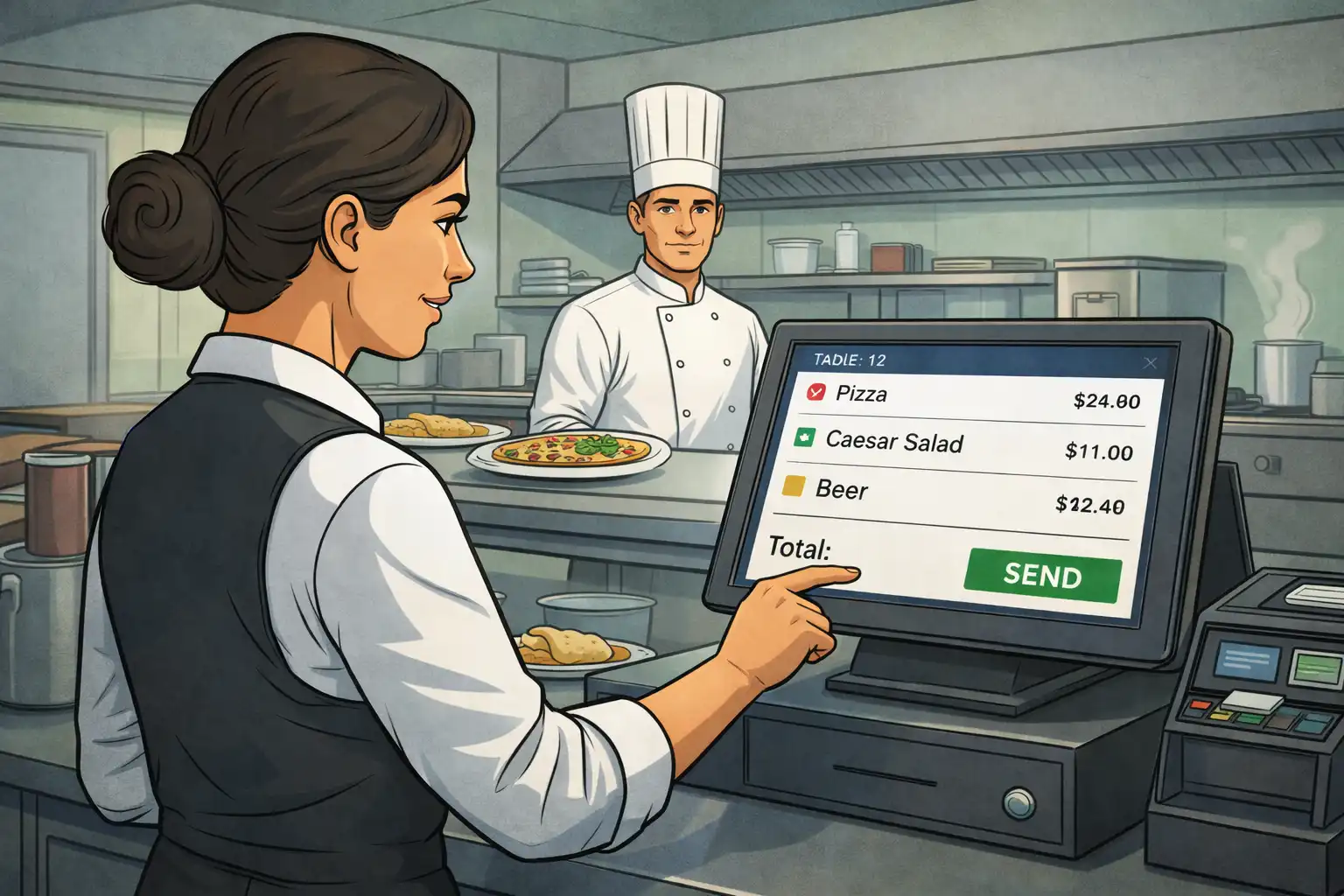
varied industries have varied needs that specialized point-of-sale systems can meet. Table mapping, order modifiers, online ordering integration, and kitchen display connectivity are all parts of restaurant systems. Retail setups focus on barcode scanning for large SKU libraries and omnichannel capabilities that link in-person sales with internet sales.
Hospitality POS systems work with property management systems and booking engines to let hotels keep track of guest purchases in restaurants, spas, and other amenities while combining charges into room folios. Healthcare and service firms need to be able to make appointments and handle deposits.
The best type of system for you will depend on where you work, how you expect to expand, and how you need to connect with other systems. Each architecture has its own set of benefits for certain types of food and service businesses.
You need to carefully evaluate your options before picking and setting up a point of sale system to make sure it solves your current problems and helps your business expand in the future. The way the implementation is done has a direct effect on how many people use it and how much money it makes.
Before choosing a POS platform, do a lot of research to make sure that the system's features meet your business needs.
Different kinds of businesses put different levels of importance on different POS features. Use this framework to help you talk to vendors about evaluations.
| Feature | Retail Business | Restaurant/Hotel | Service Business |
|---|---|---|---|
| Inventory Management | Advanced SKU tracking, automated reorders | Recipe costing, waste tracking | Basic supplies monitoring |
| Payment Processing | Multiple methods, returns handling | Split billing, tips, room charges | Appointment deposits, packages |
| Reporting | Sales trends, margin analysis | Labor cost analysis, table turnover | Service performance, utilization |
| Integration Needs | E-commerce platforms, online sales | PMS, booking engines, delivery apps | Scheduling software, CRM |
This analysis shows that the best POS system is very different for each industry. A system that works well for department shops might not have all the capabilities that hospitality businesses need, and restaurant-focused systems frequently don't have the level of inventory tracking that merchants need.
Knowing these differences can help you ask the right questions during vendor evaluations and avoid buying capabilities that don't match.
Tableview is the greatest point of sale system for hotels, resorts, and other enterprises in the hospitality industry. Its main strength is that it works perfectly with Prostay's Property Management System (PMS) and Accounting system, which makes everything run smoothly and improves every part of your business.
Tableview works with Prostay's PMS to let hotel workers handle guest charges, room service orders, and other transactions right from the POS interface. This interface makes sure that all sales data goes directly into the accounting system, which cuts down on the need for human data entry and mistakes. Real-time synchronization keeps visitor folios up to current, which makes charging easier and makes the guest experience better.
Tableview is an easy-to-use interface that makes it easy for staff to quickly and accurately process orders, which helps them serve guests better. It can process cash payments, credit card data, digital wallets, and contactless payments, so it can meet the needs of a wide range of guests.
Tableview has built-in inventory management that lets you keep an eye on supply levels at different locations. It automatically updates inventory as sales are performed. This function lets you reorder on time and lowers the chance of running out of stock, which keeps your food and drink business running smoothly.
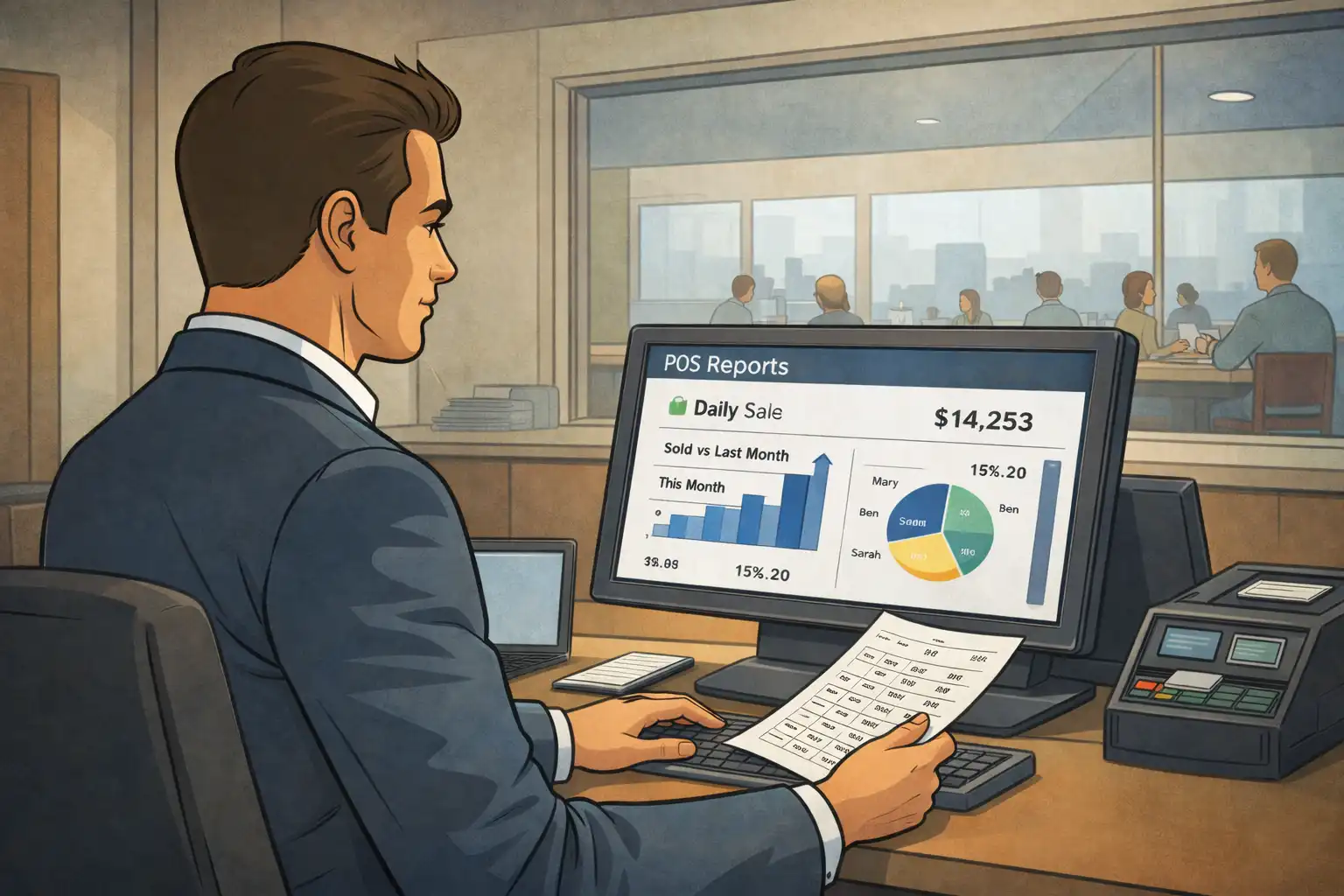
Tableview makes detailed sales reports and complex analytics that give you useful company information like sales patterns, busy times for service, and client preferences. These reports assist managers make smart choices on how to best staff, menu items, and promotions.
Tableview is easy to use for various locations and outlets, whether you own one hotel or a chain of resorts. Its cloud-based design makes it easy to access data from anywhere and control everything from one place, which helps keep the business running and makes administrative work easier.
Tableview follows all the newest rules for tax compliance and has strong security measures in place to keep private customer and credit card information safe. Its connection to Prostay's secure accounting system adds another layer of protection for financial data and makes audits easier.
In short, Tableview is a great POS system that not only handles sales quickly but also integrates every area of your hospitality business, from the front desk to the back-office accounting. This makes it the best POS system to improve the way your hotel or resort runs.
Even when they are well-planned, point-of-sale system installations run into problems. If you know about these problems ahead of time, you can fix them before they happen instead of after they happen.
It can be harder than you think to connect new POS software to old software solutions like accounting platforms, e-commerce systems, and customer relationship management tools.
Solution: Give priority to systems that already have integrations for your most important apps. Before you buy, check the quality of the API documentation. For important bespoke integrations, hire a vendor's expert services or certified partners early on in the planning phase. Cloud-based solutions usually have more broad integration ecosystems than older systems.
New technology is only useful when teams know how to use it well. No matter how good the system is, resistance to change and not enough training make it harder to adopt.
Solution: Choose systems with user interfaces that are easy to understand and don't require a lot of learning. Set up whole training packages that cover both basic and advanced features. Deploy in stages, starting with the basic transaction functionality and then adding more complicated features like inventory management and reward programs. Make sure that customers can still get help with questions that come up after the initial training.
POS systems deal with sensitive credit card information, so security is quite important. Breaches hurt customers' trust and cost a lot of money.
Solution: Only use PCI-compliant systems that encrypt all payment information from start to finish. Check that the card readers fulfill the most recent EMV requirements. Set explicit rules for who is responsible for protecting data between your business and the company that sells you your point of sale system. Keep your backups strong and be sure to install security upgrades on a regular basis. Cloud-based POS systems usually keep their security up to date more consistently than on-premise systems that you control yourself.
Investing in a point of sale system goes beyond just buying it. It also includes transaction fees, monthly fees, hardware maintenance, and upgrades that happen from time to time. If you don't keep a close eye on your expenses, they can go beyond what you thought they would be, and you won't know how much you made.
Solution: Before you buy, figure out how much the total cost of ownership will be over the next three to five years. Choose a pricing model that can grow with your business instead of one that requires you to change the whole system. To measure returns, keep track of specific indicators like checkout speed, inventory correctness, customer loyalty program participation, and sales trends. Check the fees for processing payments on a regular basis and renegotiate them when the number of transactions goes up.
Taking care of these problems ahead of time will help your POS implementation be successful and keep giving you value.
Point of sale systems have changed from basic cash register replacements into important parts of a business that bring together transaction processing, inventory control, customer data collection, and advanced analytics. The correct POS system changes the way a business works, gets rid of manual inefficiencies, and gives the business the information it needs to make smart decisions.
Modern point-of-sale (POS) systems, especially those that are cloud-based, make it easier than ever for small businesses to get started. They can also grow to accommodate enterprise operations in many locations. Businesses may compete well in marketplaces that are become more demanding by offering things like customer loyalty programs, real-time inventory management, and sales channels that work together.
Immediate next steps:
As you keep looking at your point of sale system, look into other topics that are related, such as new payment processing trends like the rise of digital wallets, ways to improve the customer experience by using data about customer preferences, and how to use the sales data and business insights your new system will give you to plan for business growth.