Hotel Room Management System: Optimize Room Operations
 Mika Takahashi
Last updated Feb 26, 2026
Mika TakahashiA hotel room management system is a type of property management software that automates the tracking, assigning, and oversight of room inventory throughout daily operations. Room management software is an important part of current hotel property management systems. It shows you the state of each room in real time, organizes housekeeping tasks, and makes the best room allocations to keep guests happy and increase occupancy rates.
This guide talks about the most important parts of room management systems, like keeping track of room inventory, monitoring status, automating assignments, and integrating housekeeping. This information is only about the room management module, not the complete range of hotel PMS features. Room management is a part of larger hotel property management systems. Hotel managers, operations directors, and IT decision-makers who want to make their businesses run more smoothly will find useful tips for assessing, putting into place, and improving these systems.
A hotel room management system keeps track of room inventory, maintains the status of rooms, performs guest management, and assigns rooms automatically. This helps the hotel get the most guests and run the business more efficiently while also making the hotel staff's jobs easier, all with direct impact on guest satisfaction and more direct bookings improving overall hotel operations.
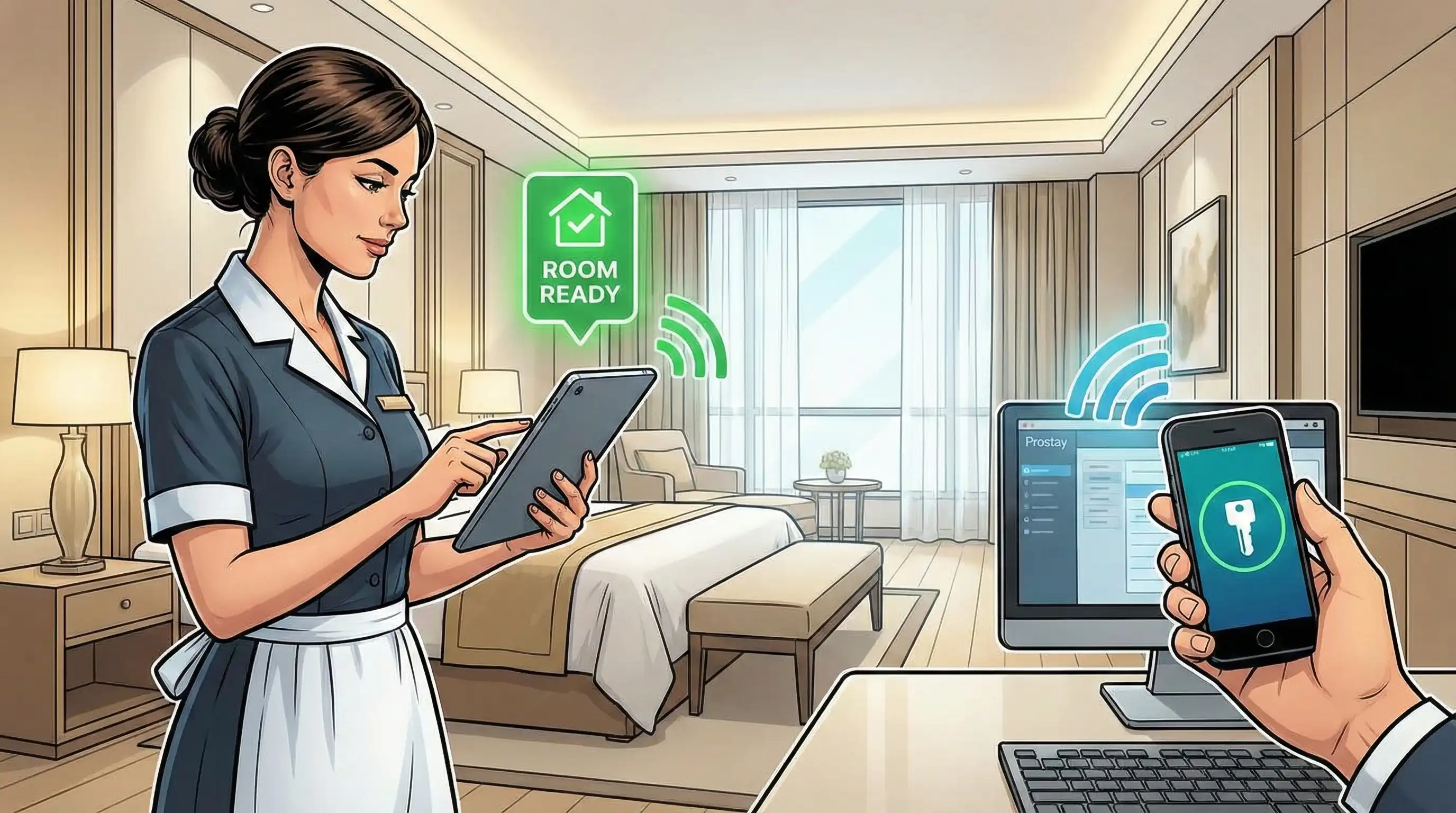
A room management system connects reservations, front desk management, housekeeping, and maintenance into one central system, which is the backbone of hotel operations and room inventory management and how to manage bookings. This software module keeps track of room inventory, checks availability in real time, and keeps track of changes in operational status throughout the life of each room, from unoccupied clean to occupied to vacant dirty and back again.
The relevance is clear and quantitative for hotel operations. If room management isn't done well, properties can have double bookings, rooms that aren't cleaned on time, departments that don't talk to each other, and rooms that lie empty when they could be sold, which costs them money. Accurate, real-time data synchronization across all touchpoints is necessary for efficient hotel management.
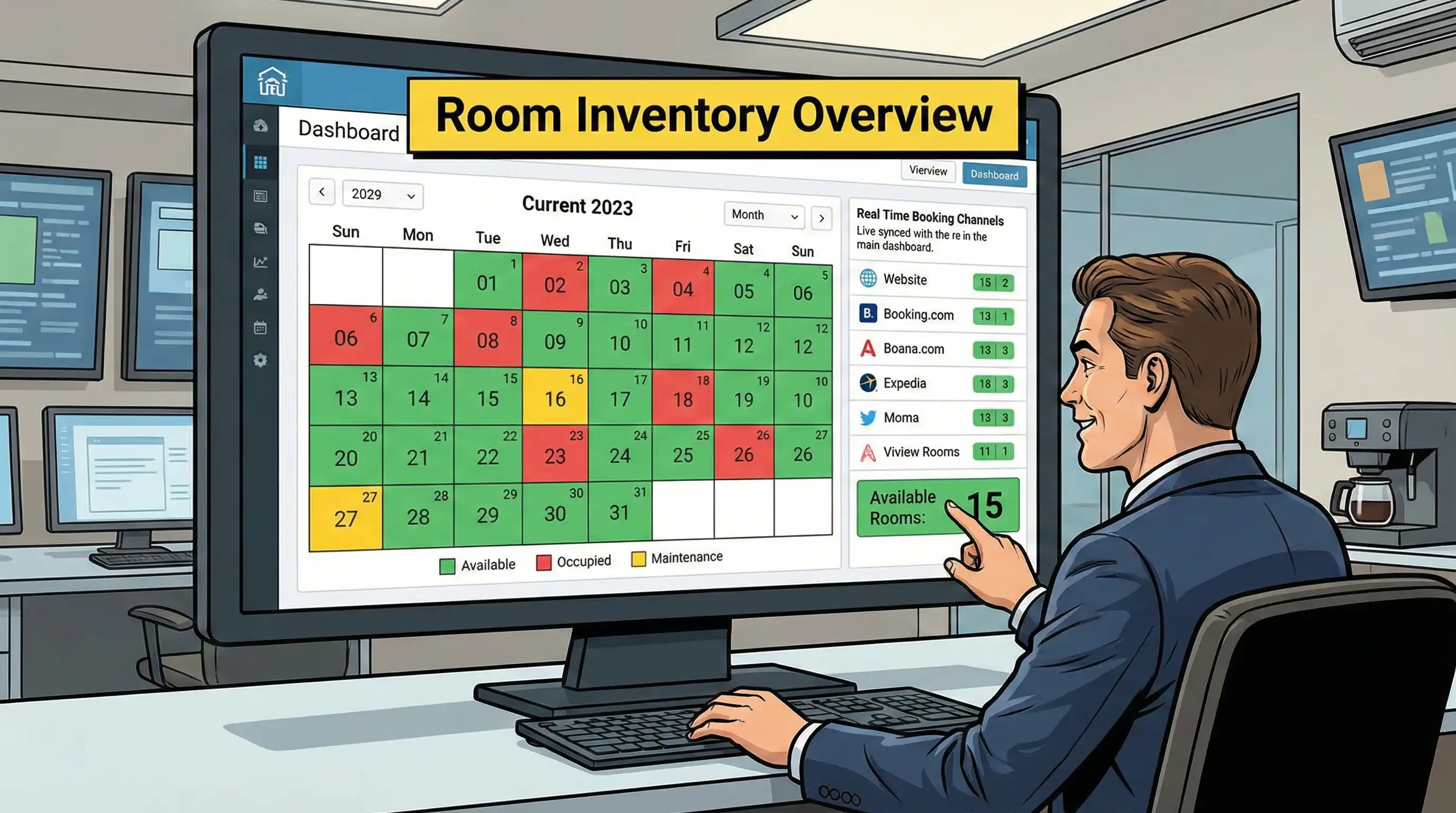
The room inventory database is the most important part of any room management system. It has functionality for both hotel and property management. This part keeps track of all the important information about each room, such as the type of room (standard, deluxe, suite), the bed arrangements, the maximum number of people that can stay there, the list of amenities, the room's location on the property, and the view from the room. This level of tracking lets boutique and independent hotels offer various services, while hotel corporations and groups benefit from having the same room types throughout all platforms.
The second most important part is tracking status in real time. The usual classifications for room status are occupied, vacant dirty, vacant clean, out of order, and maintenance in progress. The system keeps these statuses up to current by getting input from housekeeping, the front desk, and maintenance notifications. This makes sure that all departments are working with the same information. This gets rid of the communication problems that used to make it hard for the front office and housekeeping to work together while improving direct bookings, guest data and managing guest preferences for better hotel management.
It's evident how this relates to hotel revenue management when you think about how room availability immediately affects price options. A room that says "vacant dirty" can't be sold until housekeeping says it's clean, thus it's important to keep the status accurate in order to get last-minute direct reservations and walk-in revenue.
Modern room management systems work well with other parts of a property management system to share data. The room management module shows that the inventory has gone down right away when a reservation comes in either the online booking engine or channel manager. When the front desk workers finish checking in, the system immediately changes the state of the room to "occupied" and starts planning future housekeeping.
This interface also includes billing modules, which automatically add room charges to guest folios. When a guest makes a reservation, their information, including special requests, loyalty status, and past preferences, is automatically used to decide which room to give them. These interfaces make it possible to manage guests consistently across all touchpoints for establishments that use Prostay PMS or equivalent corporate solutions.
Learning about these basic parts helps us be ready to look at the specific things that make room management systems useful for everyday tasks.
Hotel room management systems build on the main architecture to give particular features that help hotels deal with the problems they have when they're busy and when they're not. These strong features turn manual tasks into automated procedures that make the whole property run more smoothly.
Smart room allocation does away with the need to manually check availability and guest preferences during check-in, which takes a lot of time. The algorithm looks at requests for room types, guest profiles, loyalty status, and current inventory to suggest or automatically assign the best accommodations. The system can remember visitors' past room choices, floor preferences, or particular requests for amenities for guests who have been with us before.
During times of heavy occupancy, the ability to upgrade and downgrade on the fly is very useful. When basic rooms are sold out but suites are still available, the system finds customers who are eligible for an upgrade based on rules that can be changed. For example, it might give priority to loyalty members or guests who are celebrating a special event. On the other hand, when occupancy is low, strategic room blocking maintains luxury rooms open for customers who book late and are ready to pay more.
Smart room management that helps businesses make more money immediately affects the average daily rate. The mechanism keeps the opportunity to get direct reservations at higher prices throughout the day by not letting visitors who purchased regular categories get premium rooms too early.
Housekeeping personnel may send instant status updates via mobile devices, which cuts down on the delays that come with paper-based methods. When room attendants complete cleaning, they update room status with just a few clicks, immediately making that room available for assignment. Front desk staff can see how the cleaning is going, which helps them provide visitors who arrive early an accurate indication of how long they will have to wait.
By putting tasks in order of arrival time and room priority level, housekeeping resources can focus on the most important tasks. VIP arrivals, guests who have already confirmed an early check-in, and rooms booked for same-day occupancy immediately go to the front of the cleaning line. This emphasis also includes handling late checkouts and letting the front desk know about changes in room status right away.
Integration of maintenance requests takes care of managing rooms that are out of order. Housekeeping logs maintenance requests straight into the system when they find problems, including a broken HVAC unit, plumbing difficulties, or damaged furniture. The accommodation immediately goes into maintenance mode, which means it is no longer accessible for rent until repairs are finished.
Tracking the layout of each room in detail helps guest services by keeping accurate records of things like the types of beds, the views, the choices for connecting rooms, the accessibility features, and the special amenities. This information lets front desk workers meet particular client requests without having to go into rooms or rely on their memory.
Managing the inventory of amenities includes things like mini-bars, in-room safes, and room equipment. This is especially useful for properties who rent out serviced apartments or vacation homes to keep track of their consumable inventory and the condition of their equipment. Integration features let this data flow into billing systems so that charges can be posted correctly.
These elements provide up the basic structure for managing rooms well. Next, think about how to best use these systems in the hotel's current operations.
It takes meticulous planning to go from knowing what a system can do to actually using it. The implementation procedure is different for each property depending on its size, the technology it already has, and how complicated its operations are, but it always follows the same patterns to keep guests from being disturbed.
When present methods slow down front desk operations, when housekeeping and front office staff don't communicate well, or when manual inventory tracking leads to multiple bookings or missed income possibilities, hotels should employ room management systems. Properties that are growing or adding group reservations and event management sometimes hit implementation triggers as their operations become more complicated.
| Deployment Type | Cloud-Based | On-Premise |
|---|---|---|
| Setup Time | 2-4 weeks | 6-12 weeks |
| Initial Cost | Lower upfront investment | Higher capital expenditure |
| Maintenance | Vendor-managed updates | Hotel IT team responsibility |
| Scalability | High flexibility for growth | Limited by hardware capacity |
| Data Access | Available from any location | Restricted to property network |
Most hospitality firms that want to get up and running quickly and don't need a lot of IT infrastructure can use cloud-based hotel systems. The vendor takes care of upgrades, security patches, and system optimization, so hotel staff can focus on interacting with guests instead of fixing technology. Some properties may still choose on-premise deployment, even though it takes longer to set up, if they have strong data residency requirements or want full control over their systems.
When developing a budget, you should think about the whole cost of ownership, not simply the cost of the first deployment. Cloud hotel systems with predictable monthly fees are frequently cheaper than on-premise systems that need specialized IT staff, hardware replacement cycles, and manual update management.
Once the deployment method is chosen, hotels need to get ready for the problems that often come up during implementation.
Even when everything is planned out, things can still go wrong. By planning for these problems and coming up with solutions ahead of time, you can make the changes go more smoothly and get the benefits of the system faster.
Housekeeping and front desk staff who are used to working with paper may not want to adopt new technology, especially when mobile devices bring in new ways of doing things. Comprehensive training programs with practice sessions work well to get over this barrier. Training should happen in real-life situations instead of abstract presentations so that workers may see how the technology makes their daily tasks easier.
Ongoing support services like quick reference guides, on-site super users, and easy-to-find help manuals keep people using the system after the first training is over. Focusing on the benefits to personnel, such as less work, rather than only the benefits to management, gets staff to agree.
When you connect room management systems to the hotel's existing PMS, channel manager, and booking engine infrastructure, you may find that the data doesn't match up or that the systems don't sync up quickly. Phased deployment strategies reduce risk by validating integrations step by step instead of turning on all connections at once.
Testing techniques should cover scenarios for busy booking times, simultaneous channel updates, and edge cases such changing the kind of accommodation during a stay. Backup plans make sure that guest services keep running even if there are problems with the integration during the transition time.
Housekeeping updates depend on having reliable WiFi throughout the guest rooms and back-of-house spaces. Before going online, properties with connectivity gaps should enhance their infrastructure. Policies for managing devices set rules for how hotel-provided gadgets should be charged, stored, and used.
The room management app has offline features that help it keep working even when the internet goes down. The system should retain status changes locally and automatically sync when the connection is restored. This will keep data from being lost during short outages.
Hotels that can successfully deal with these problems will be able to fully enjoy the operational and financial benefits of room management systems.
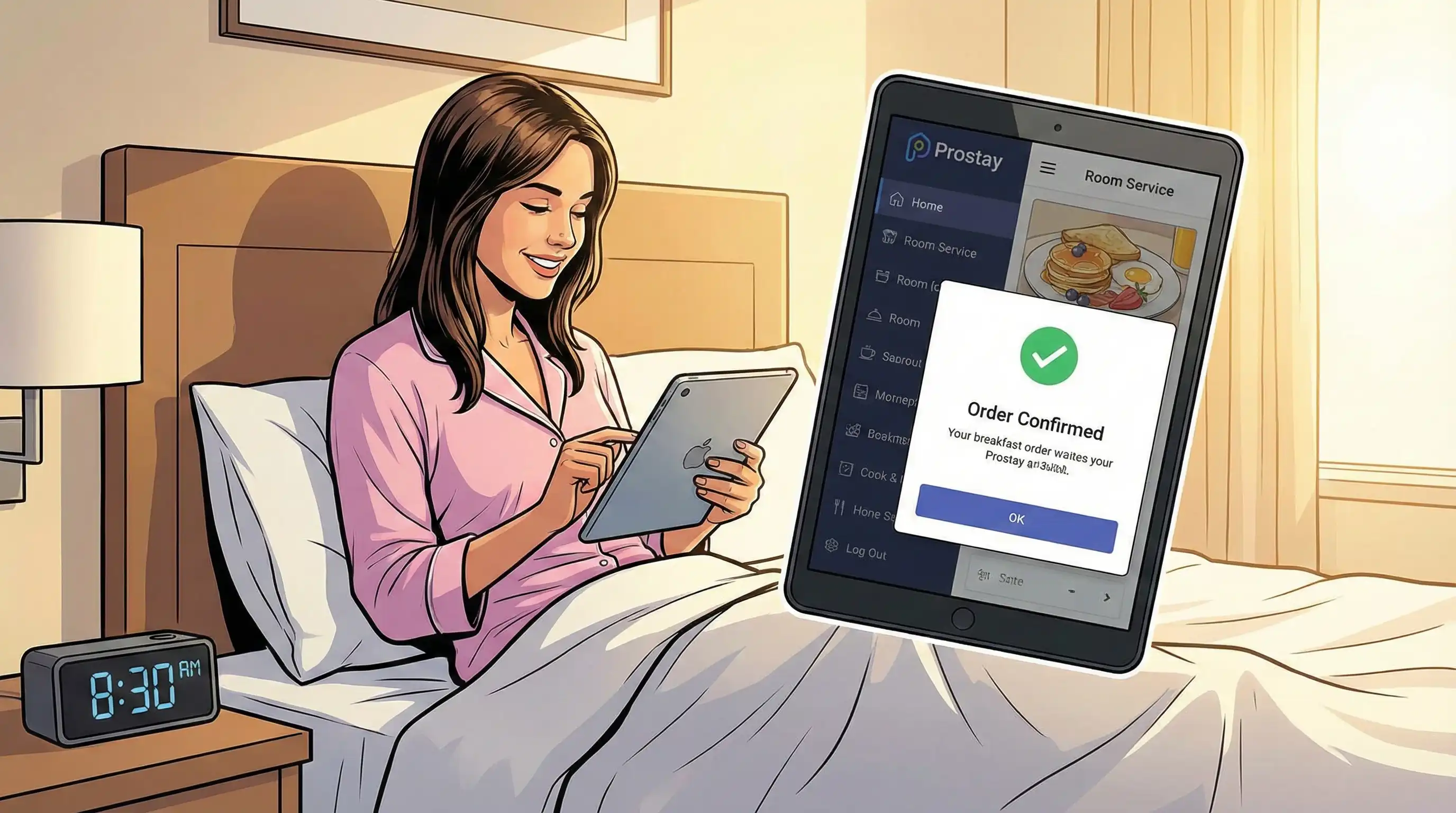
Using a room management system changes the way hotels manage their most important asset: their room inventory, group bookings, hotel team, guest engagement and an absolute overall hotel management. Automated room assignment, real-time coordination of housekeeping, and integrated status tracking all make things run more smoothly, which leads to happier guests, lower operating expenses, and more money coming in. Modern room management tools are now necessary for all types of hospitality businesses, from small boutique hotels to large worldwide companies.
Immediate actionable steps:
Properties that want to make their guests happier and make more money should also look into related topics. These include strategies for integrating property management systems so that all hotel functions work together smoothly, automating housekeeping to make operations even smoother, and optimizing revenue management for better reporting and dynamic pricing that maximizes ADR and RevPAR.